
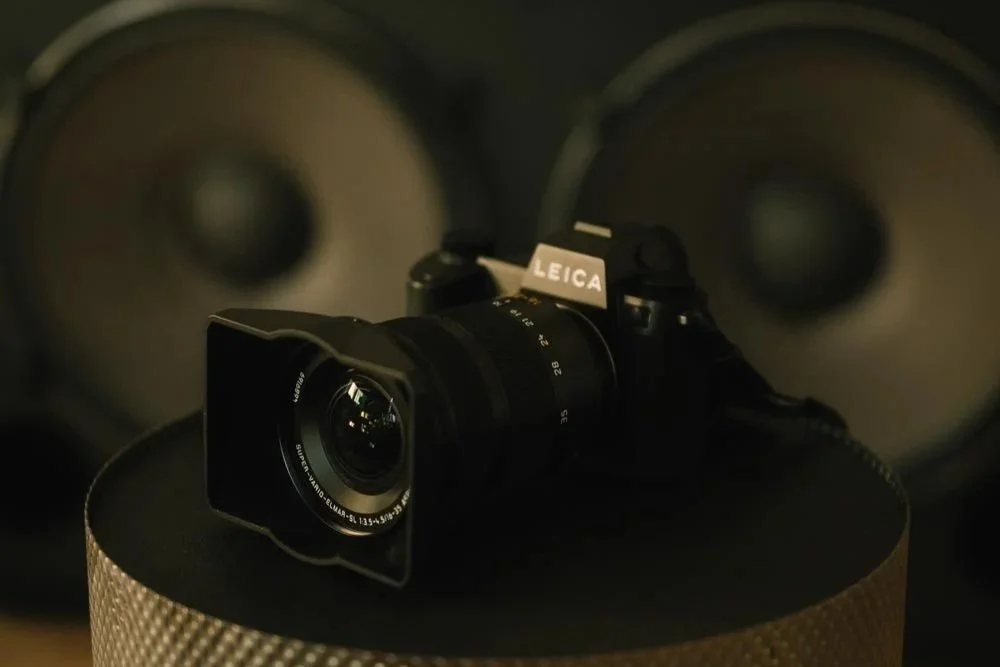
Leica SL3-P Review: The Best of Both Worlds
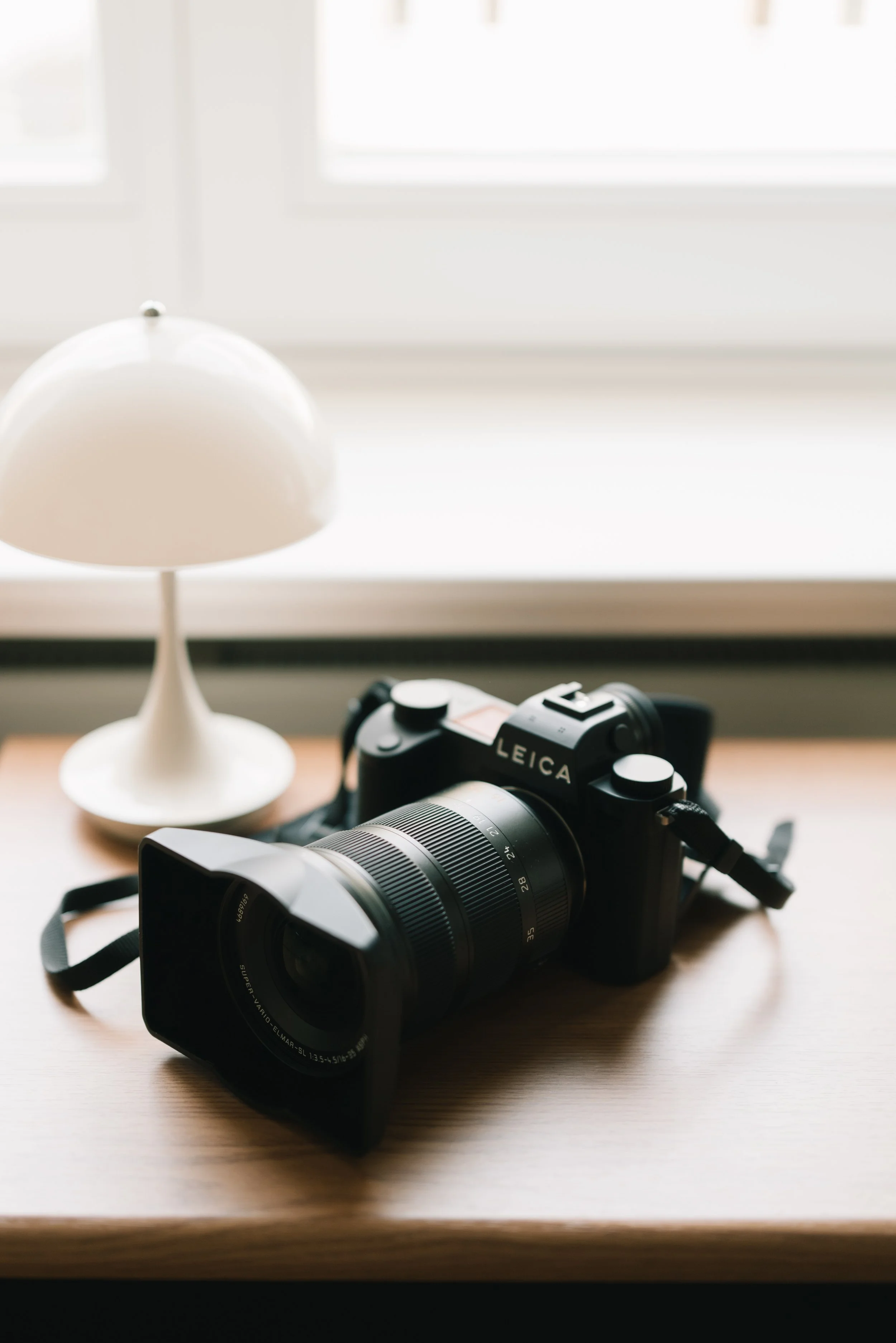
The Leica SL3 P brings together the resolution I love from the SL system with the speed, flexibility and video capabilities I appreciated in the SL S. After spending some time photographing with it, I found a remarkably complete camera, but what impressed me most was how quickly a beautiful image could go from camera to the world.
Owning cameras from both the Leica SL and SL S lines, I have always been torn between two things.
On one side, there are the beautiful, BIG files of the SL cameras, 47 megapixels on my SL2 and now 60 megapixels on the SL3. On the other, there are the excellent 24 megapixel files of my SL2 S, offering plenty of flexibility while keeping the amount of data manageable, together with a camera particularly well suited to video and faster workflows.
I never really thought a camera would come along that could sit somewhere between those two worlds.
With a 44 megapixel full frame sensor, 26 megapixels in APS C mode, video recording up to 8K, and a new autofocus system capable of shooting up to 40 frames per second, the Leica SL3 P seems designed to do exactly that.
It brings resolution, speed and video together in a way that makes it a very interesting all round camera.
In the Hand
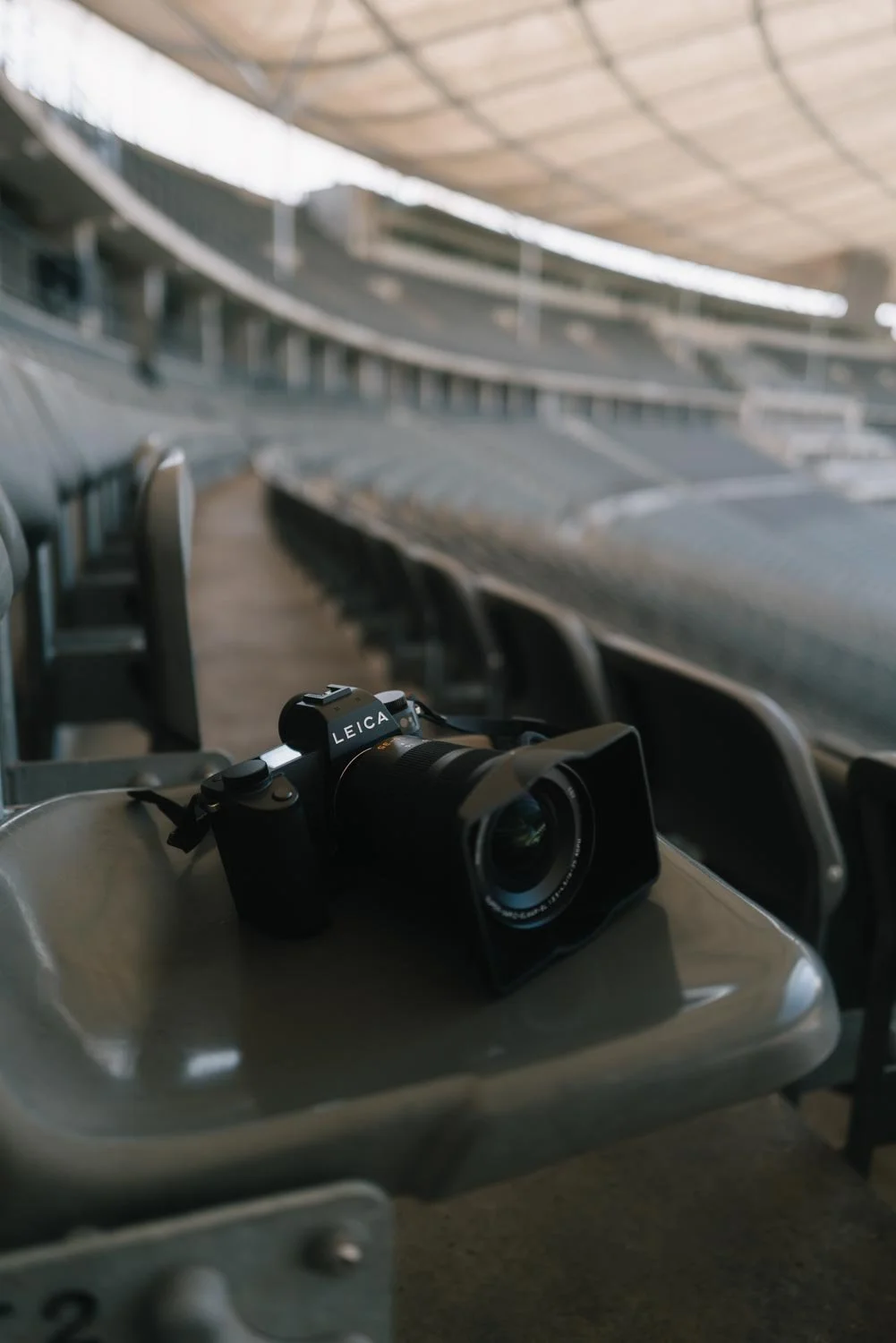
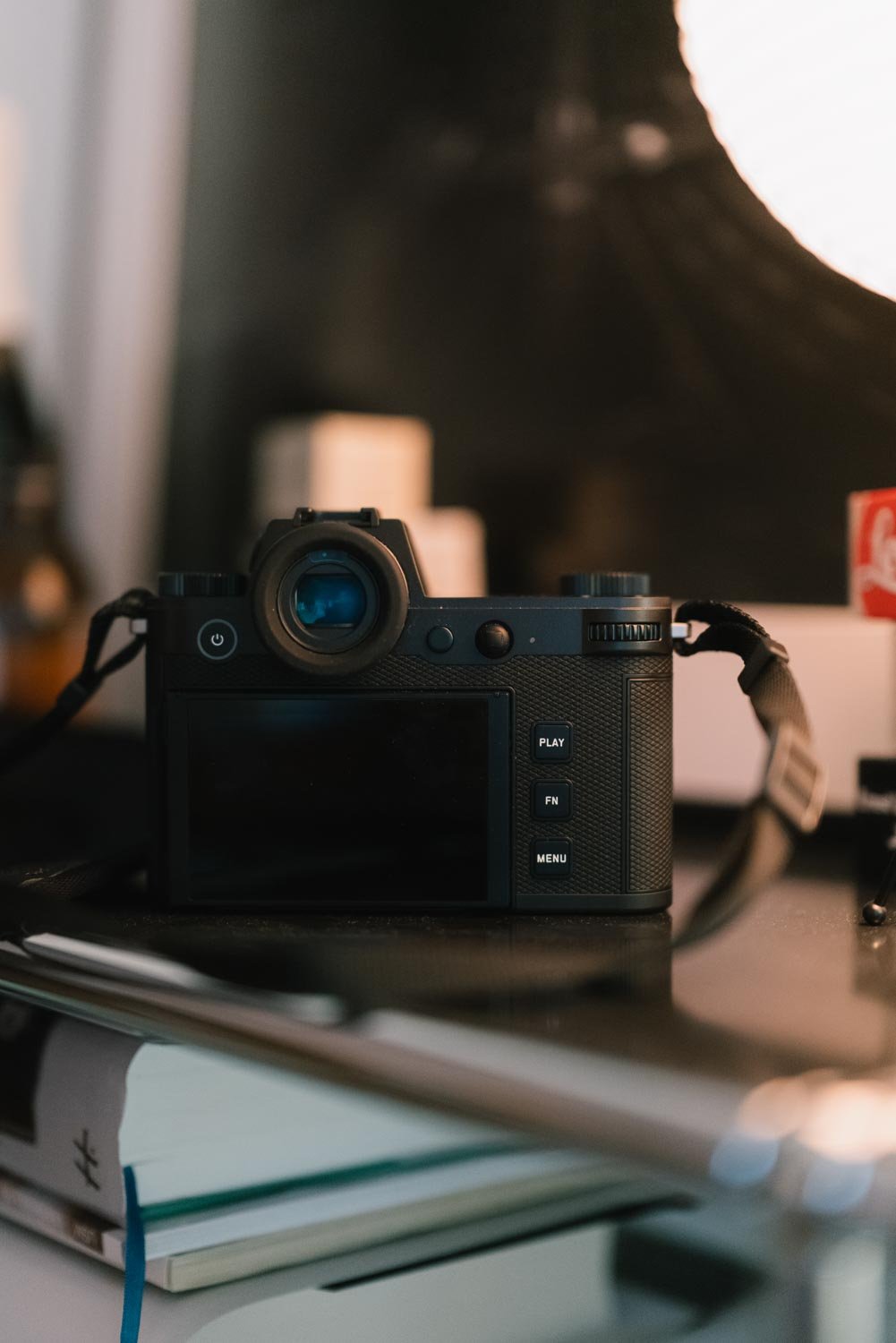
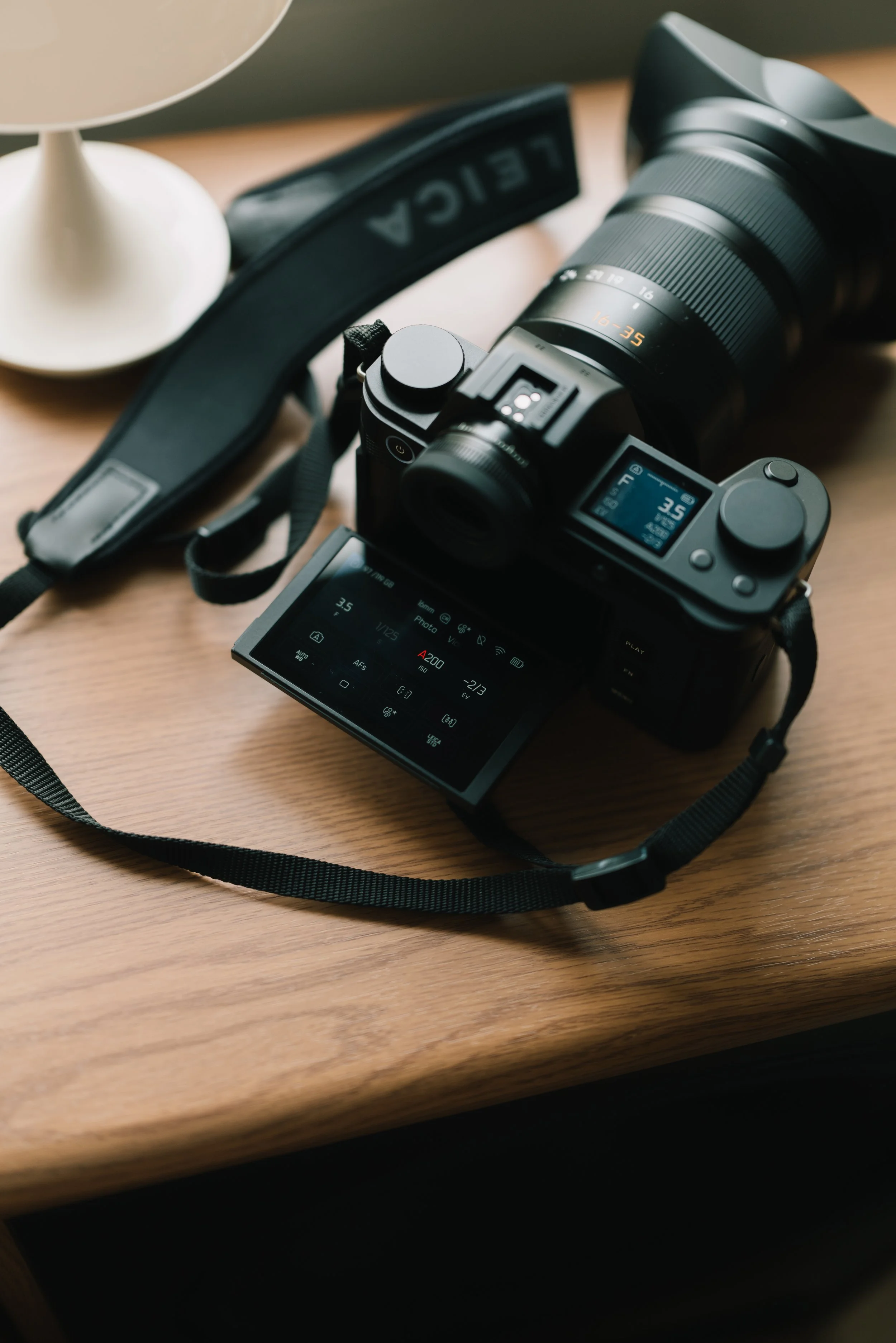
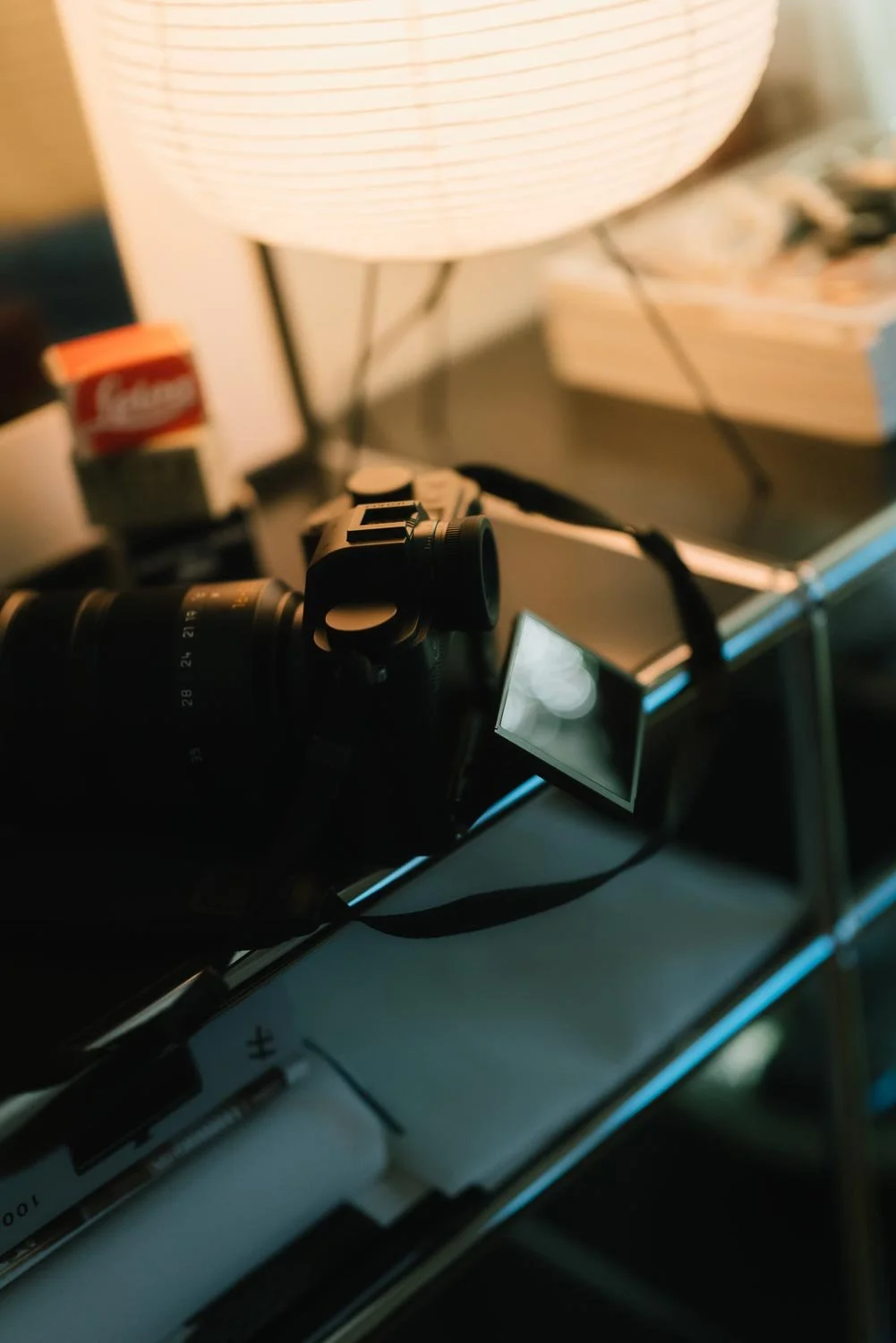
In terms of design, the SL3 P follows the newer generation of the SL system, including the tilting rear screen that wasn't present on my SL2 or SL2 S.
It does add a little complexity and bulk to what was previously an extremely clean camera body, but after actually working with it, I wouldn't want to lose it.
For me, this becomes especially useful while covering festivals, parties or weddings. Being able to raise the camera above a crowd and tilt the screen towards me can make the difference between guessing a composition and actually framing the photograph properly.
The same applies at the opposite end. Low angle photographs no longer require me to lie flat on the ground just to see what I'm doing.
These sound like small things until you're working for ten or twelve hours and have to make the photograph regardless of where the camera needs to be.
The electronic viewfinder is equally good. I used the camera in very bright daylight and had no problem seeing the image clearly and controlling my framing.
Beyond that, the familiar clean Leica menu system and button layout give me quick control of the camera without having to think too much about it, something that becomes particularly important when working in fast or difficult environments.
Speed
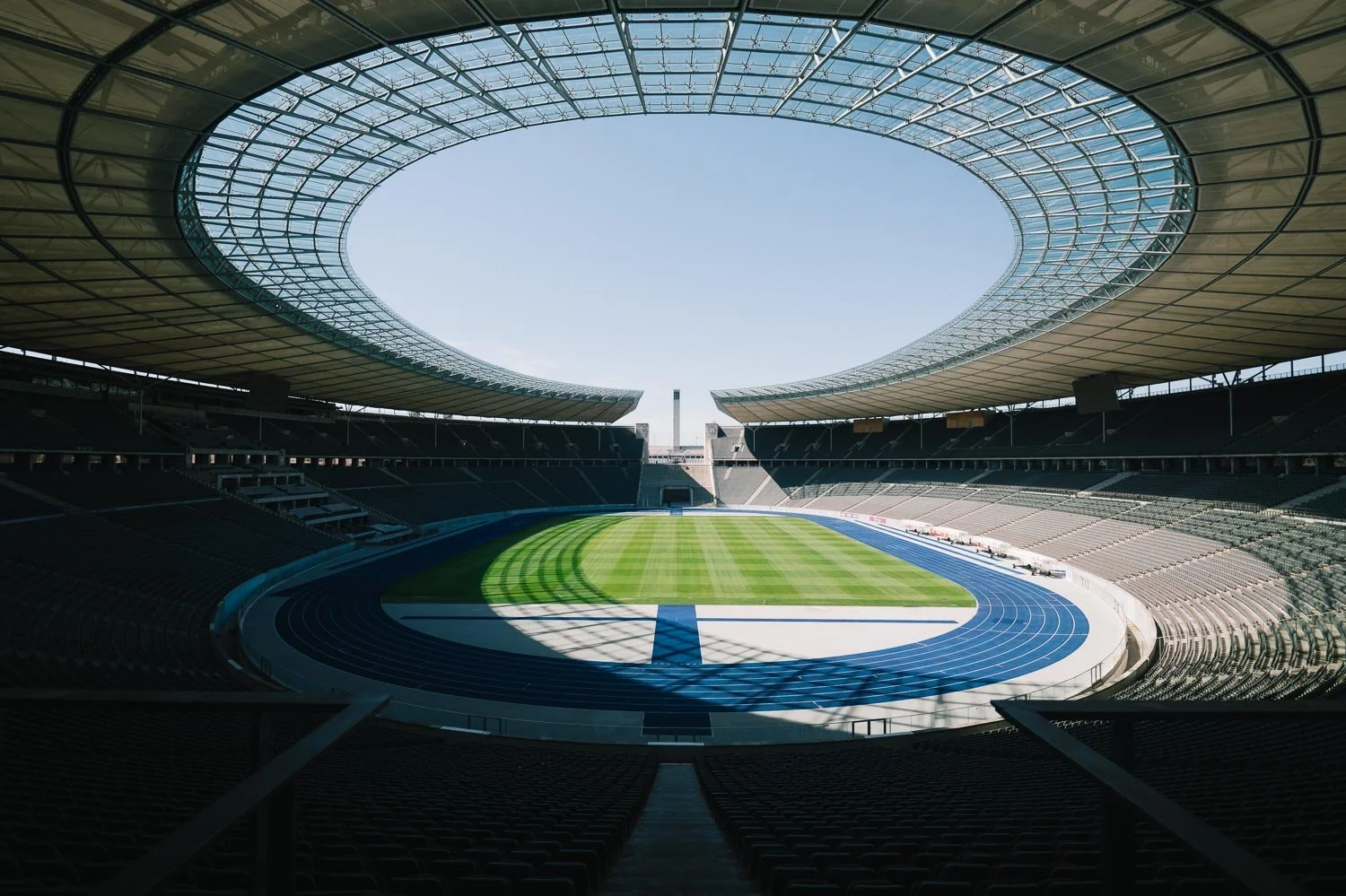
The SL3 P can shoot at up to 40 frames per second with continuous autofocus.
I haven't yet found a situation where I genuinely needed to test the full 40 fps, and I rarely photograph using such long bursts anyway, but simply having that capability available in an SL camera is impressive.
More important to me is the autofocus system behind it.
The SL3 P combines phase detection, contrast detection and depth mapping, with 819 phase detection autofocus points and subject recognition for people, animals and vehicles.
For the type of work I do, this is more important than simply having an enormous burst number. Speed matters, but being able to trust that the camera will find and follow what I am photographing matters more.
The Files
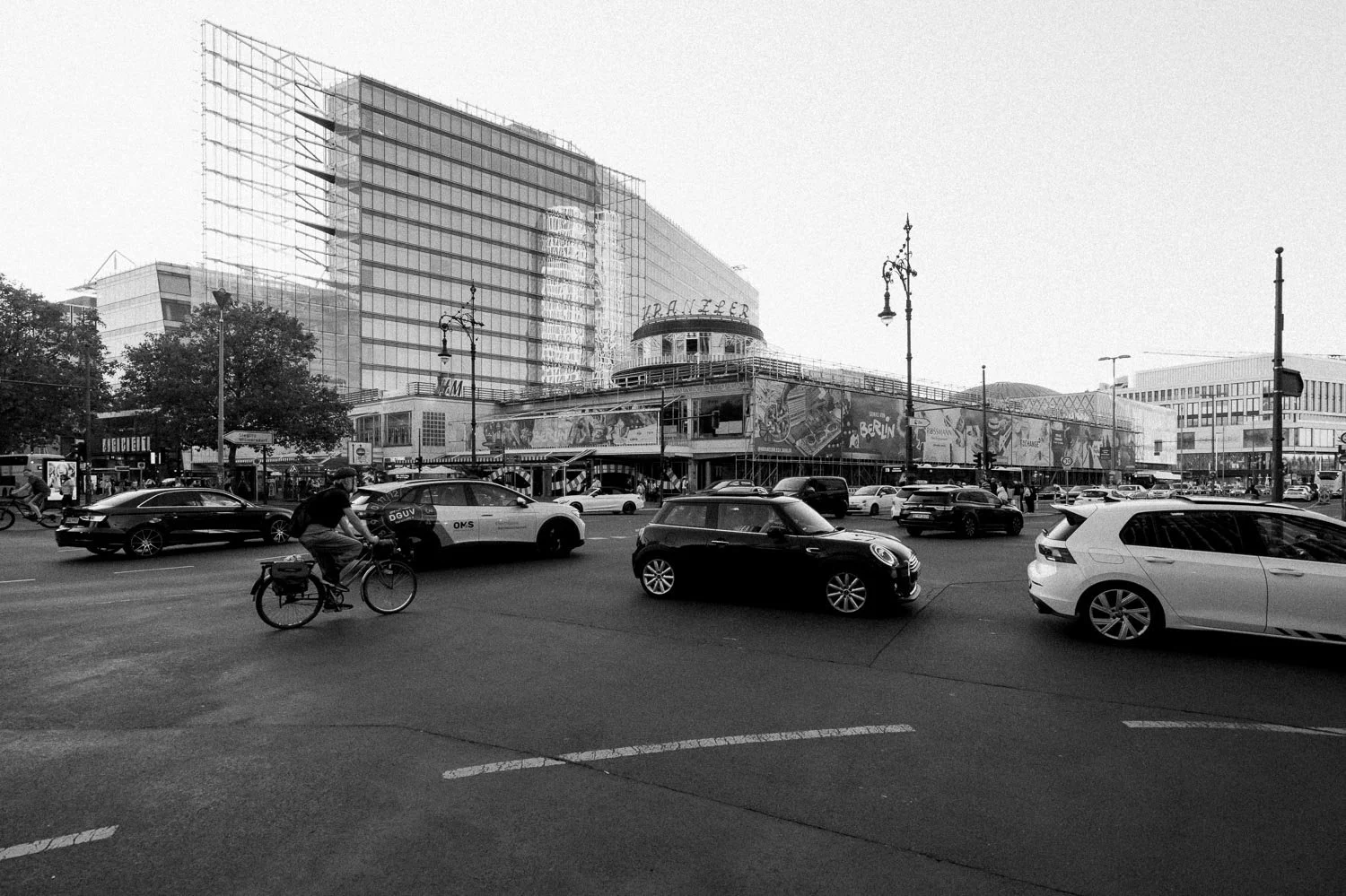
And then we get to one of the main reasons to use an SL camera: the files.
The 44 megapixel BSI full frame sensor feels like a very interesting middle ground. There is enough resolution for large prints, significant cropping and detailed commercial work, without producing the same amount of data as a 60 megapixel camera every single time you press the shutter.
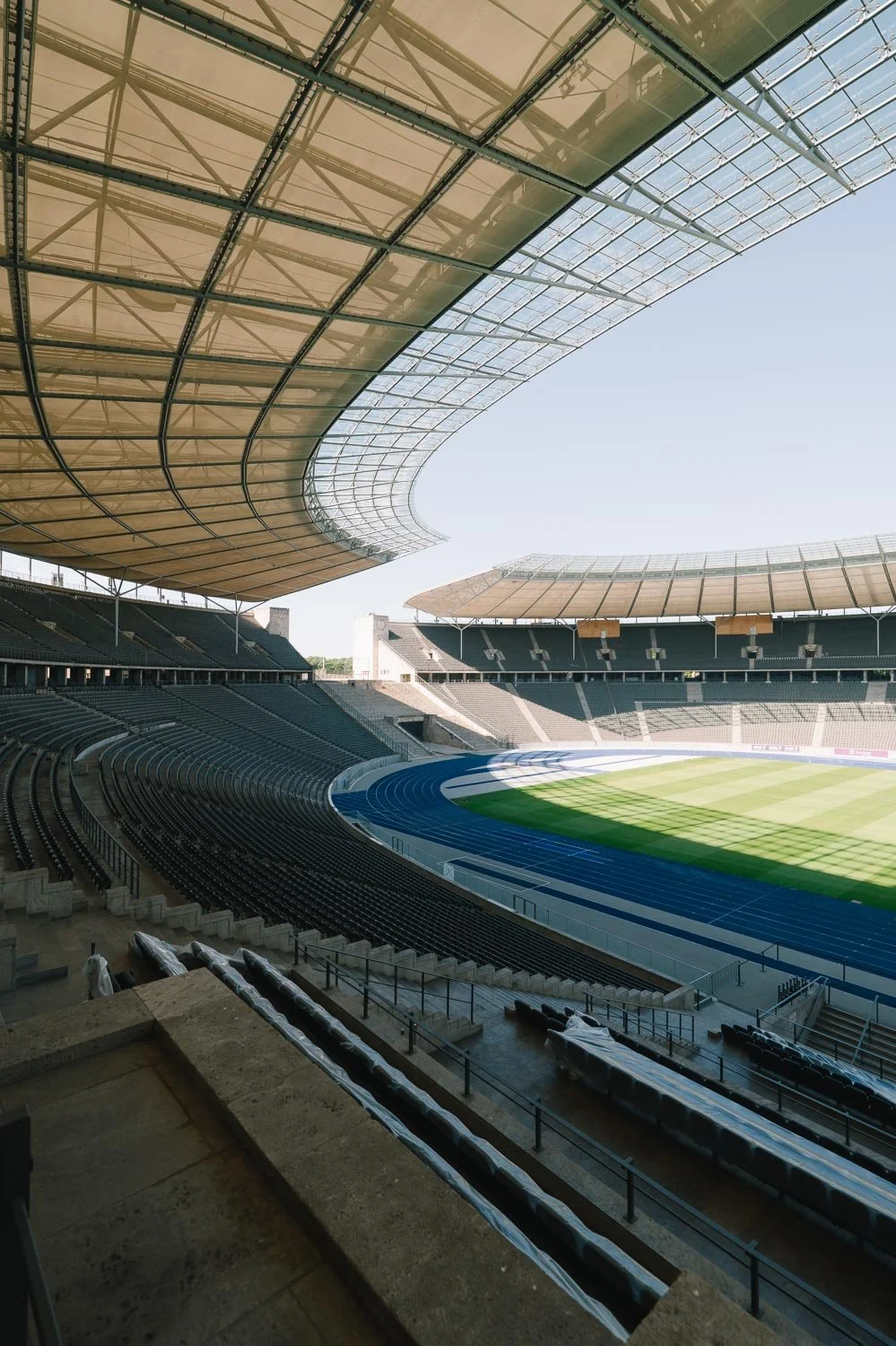
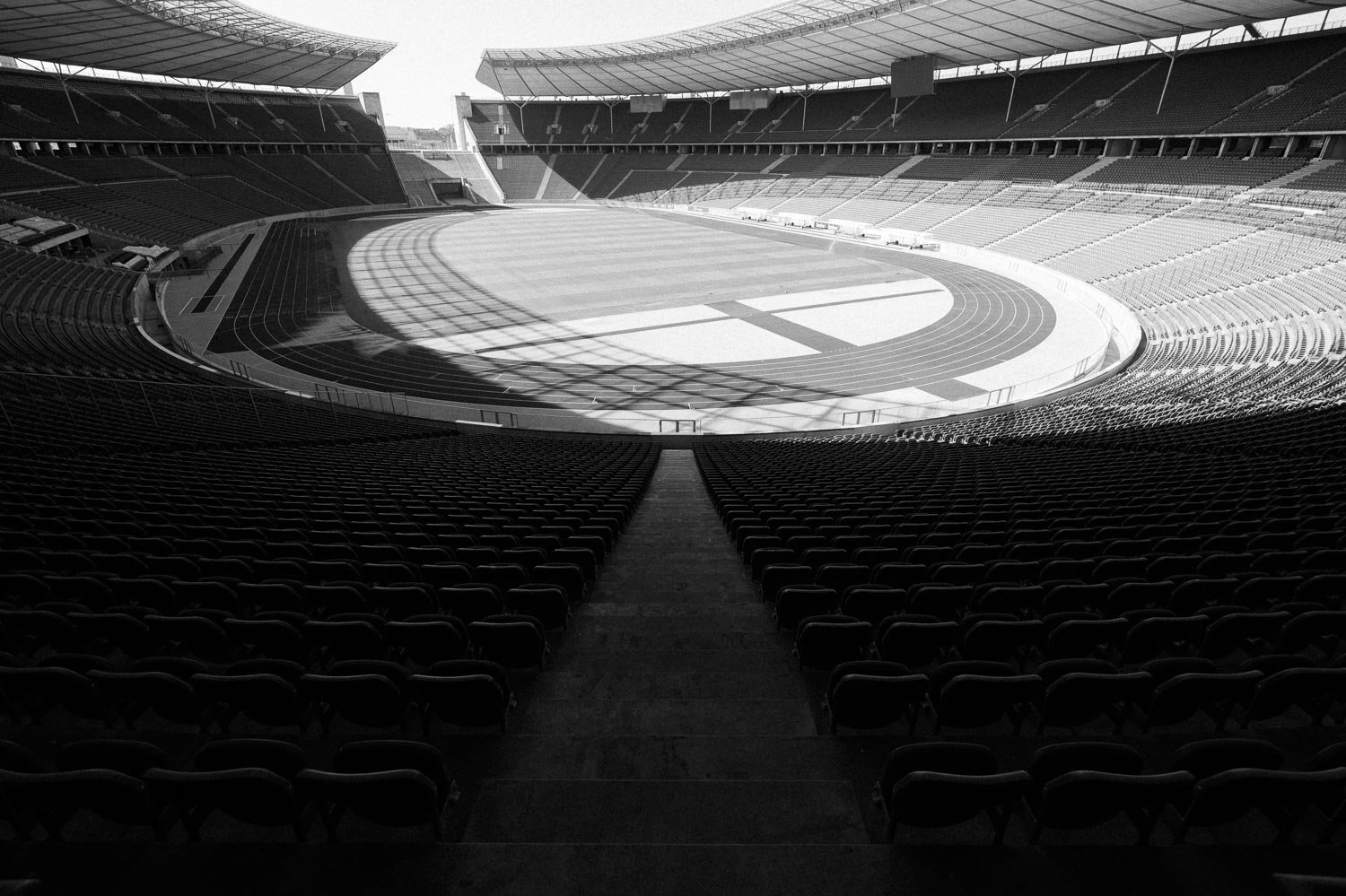
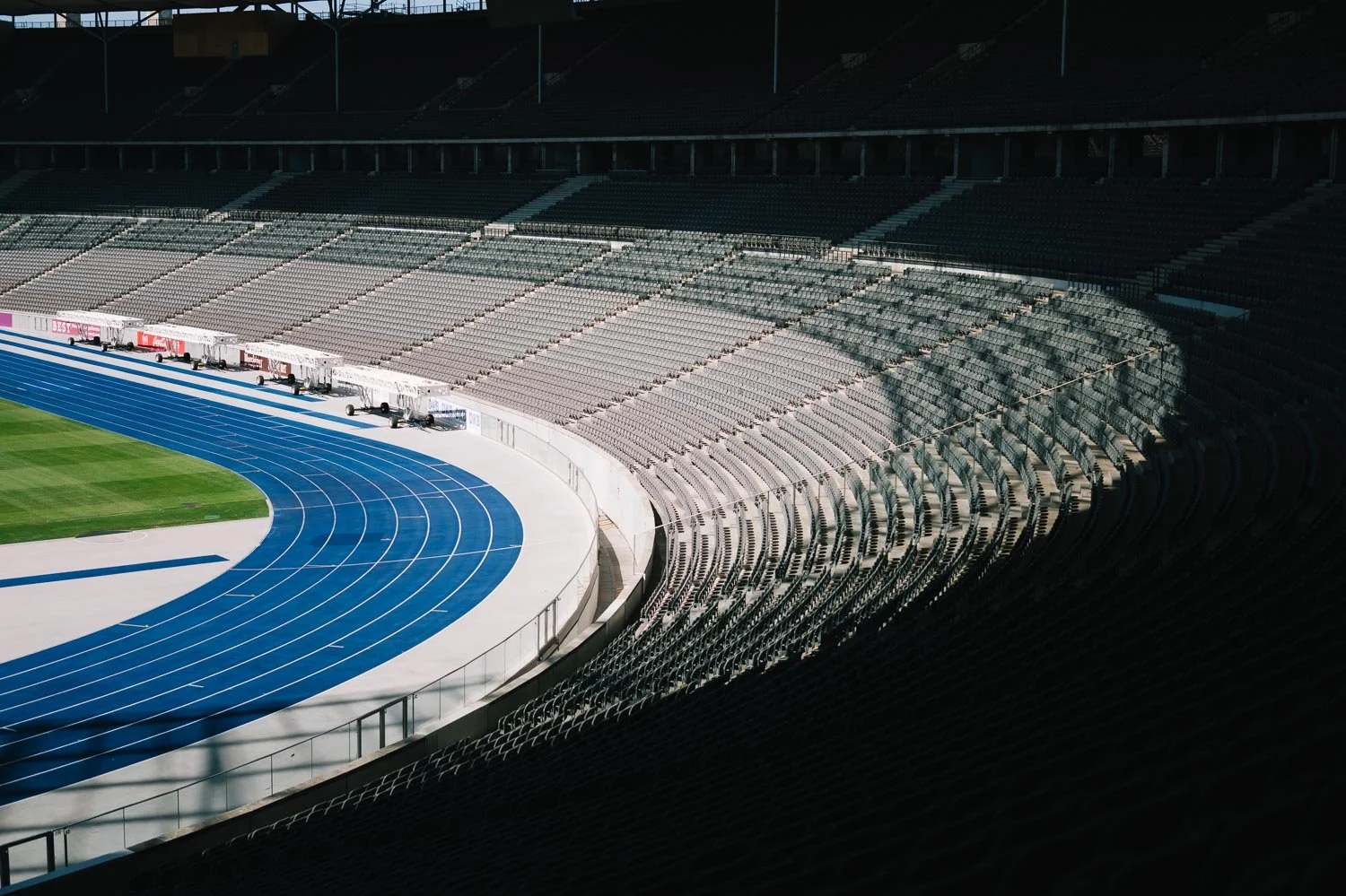
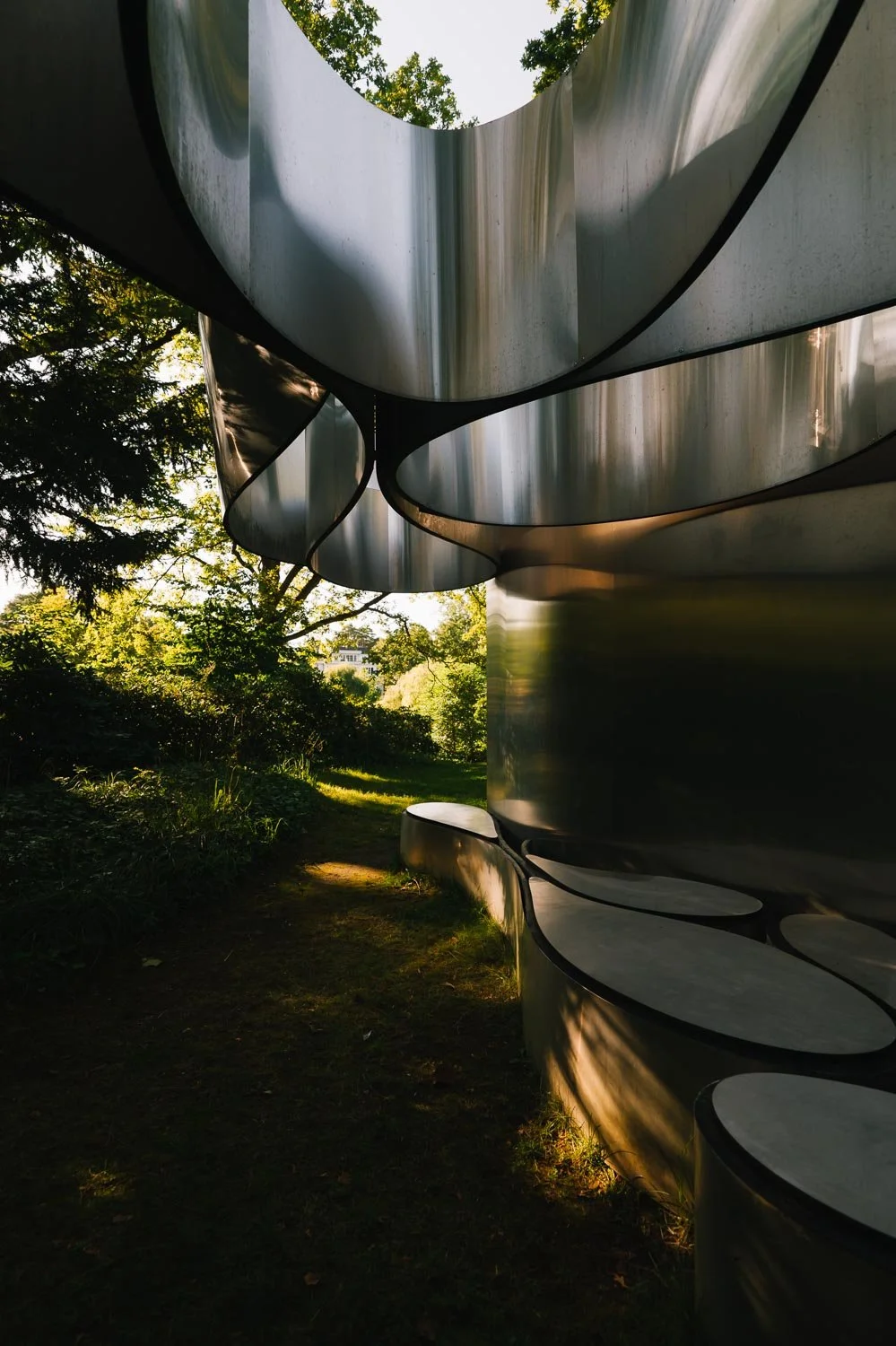
Leica specifies up to 14 stops of dynamic range, and in practice I found the files very flexible.
I photographed both JPEG and RAW, often in situations with strong sunlight and deep shadows, and there was a surprising amount of information available when working with the files afterwards.
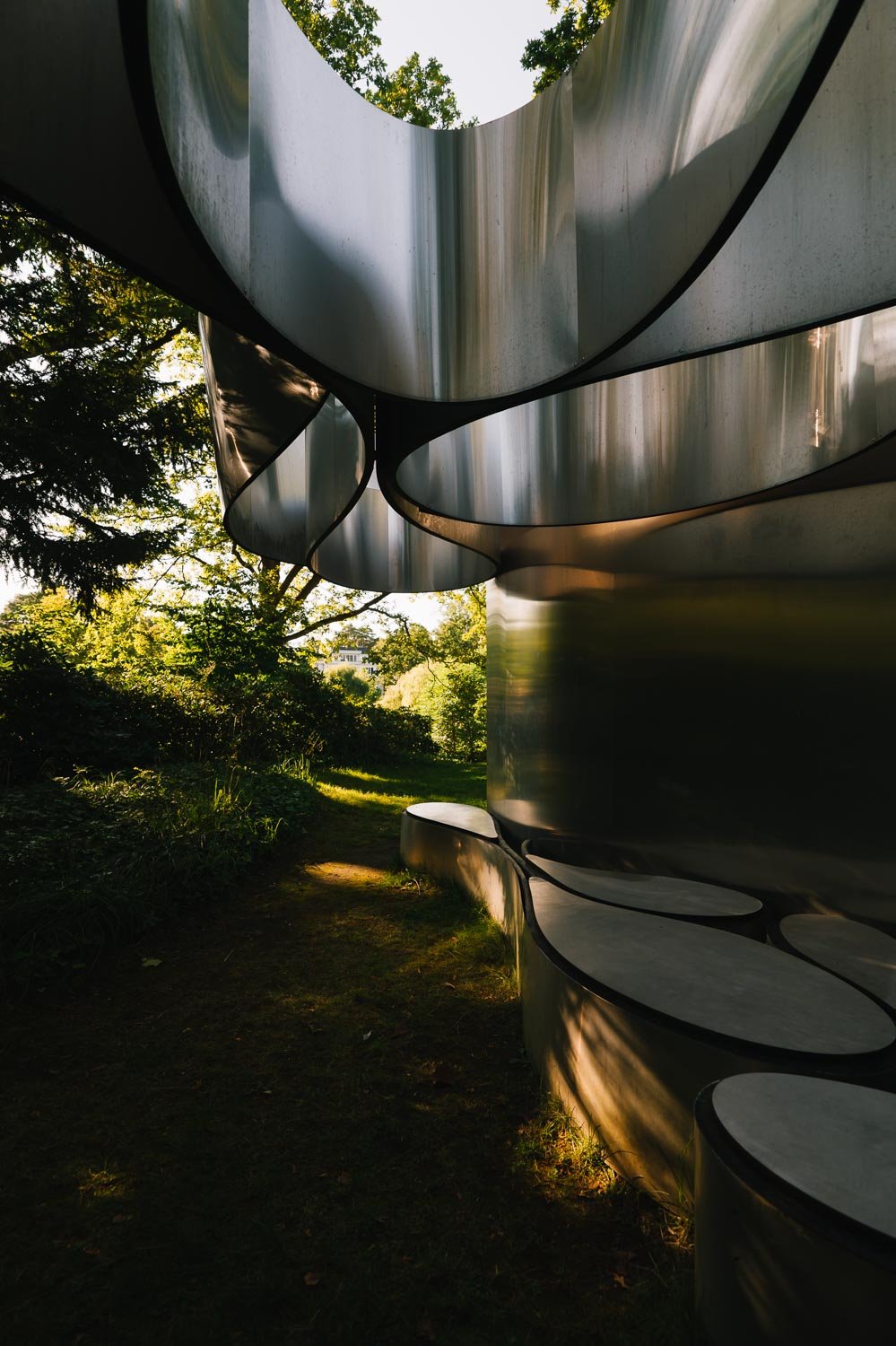
For this series I mostly used a zoom lens, often shooting scenes with very high contrast. Even in those situations I found that I could recover a considerable amount of information from both ends of the tonal range without the files falling apart.
Colour
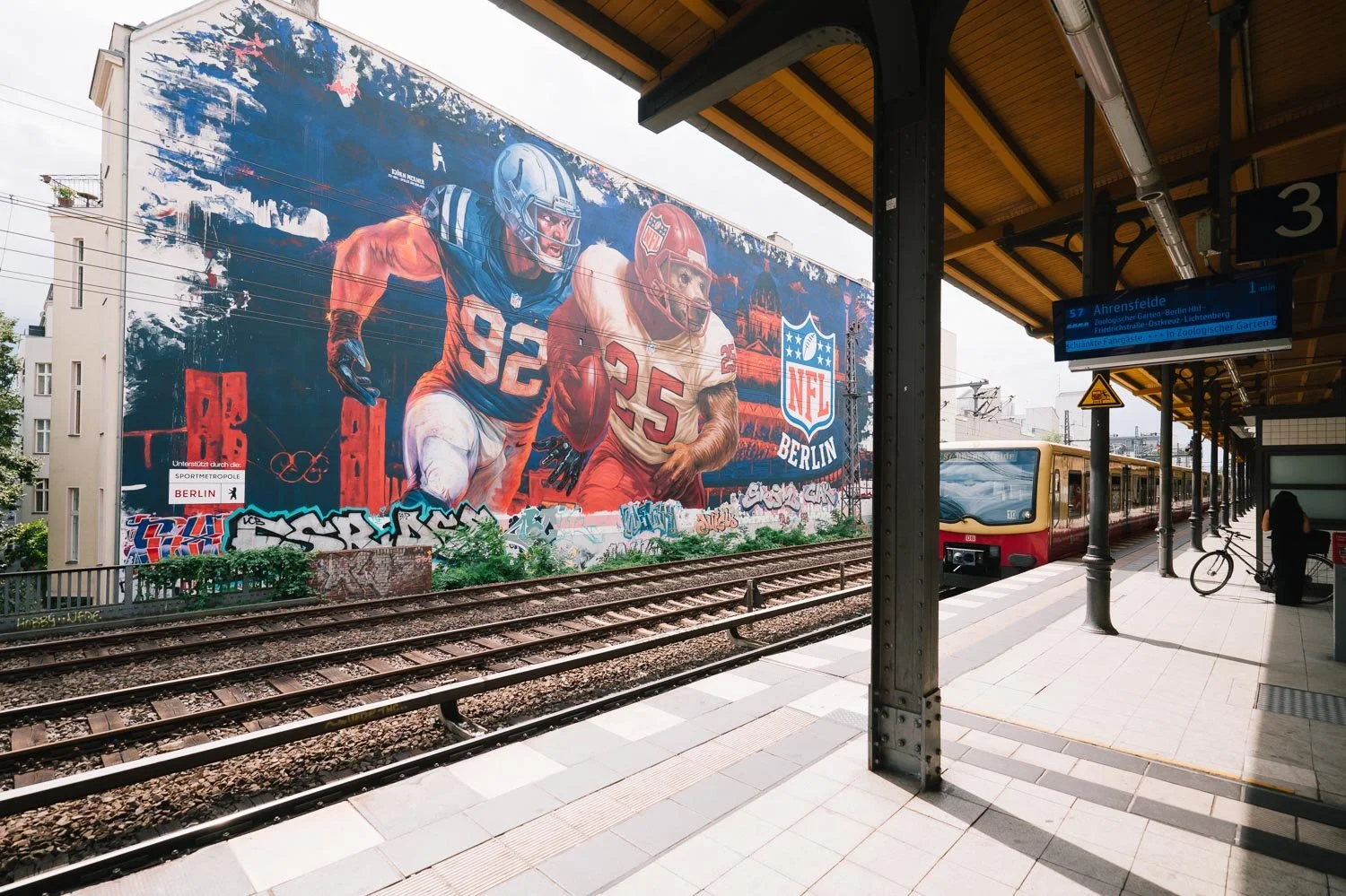
Colour is another area where I really enjoyed the SL3 P.
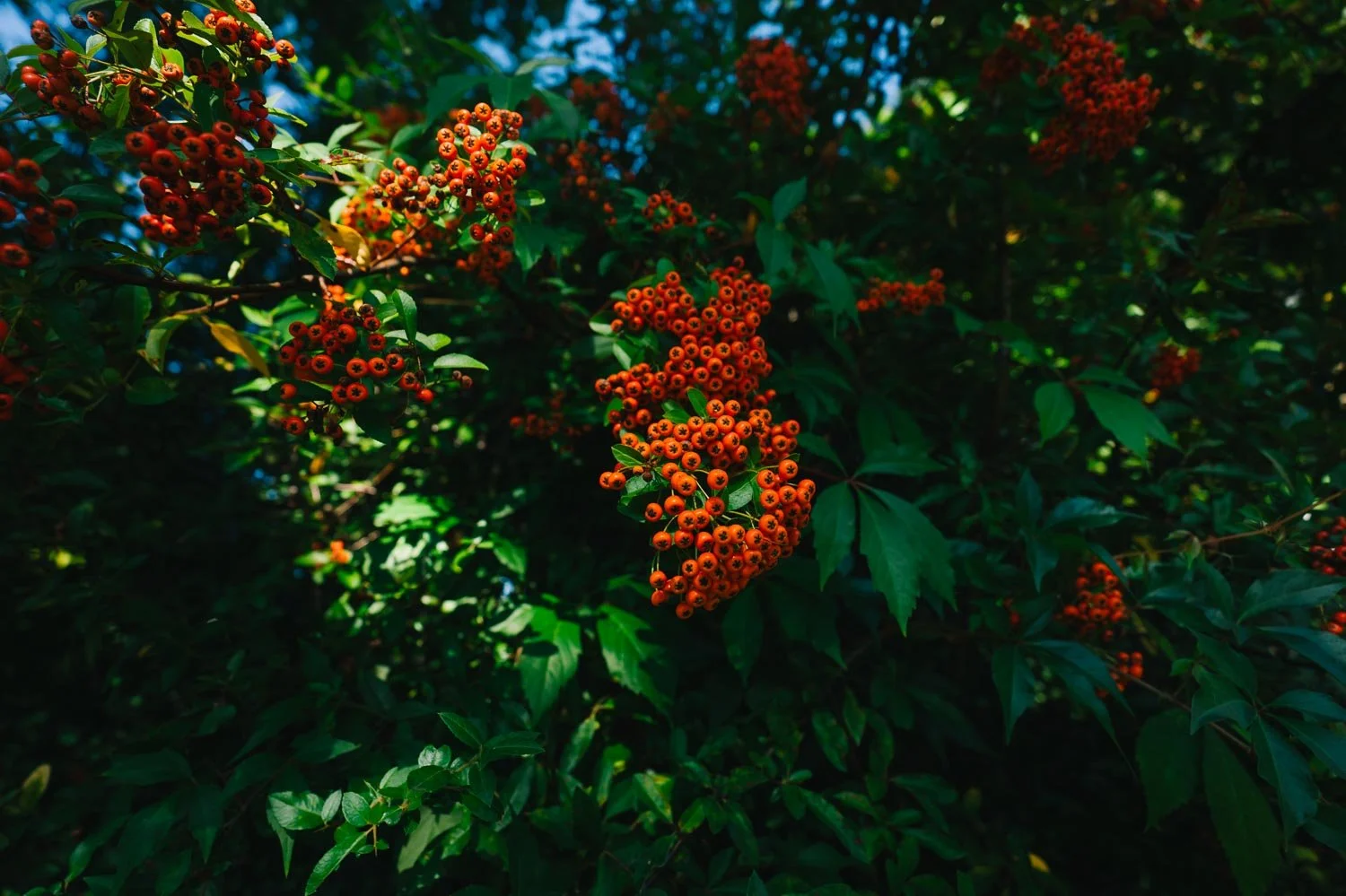
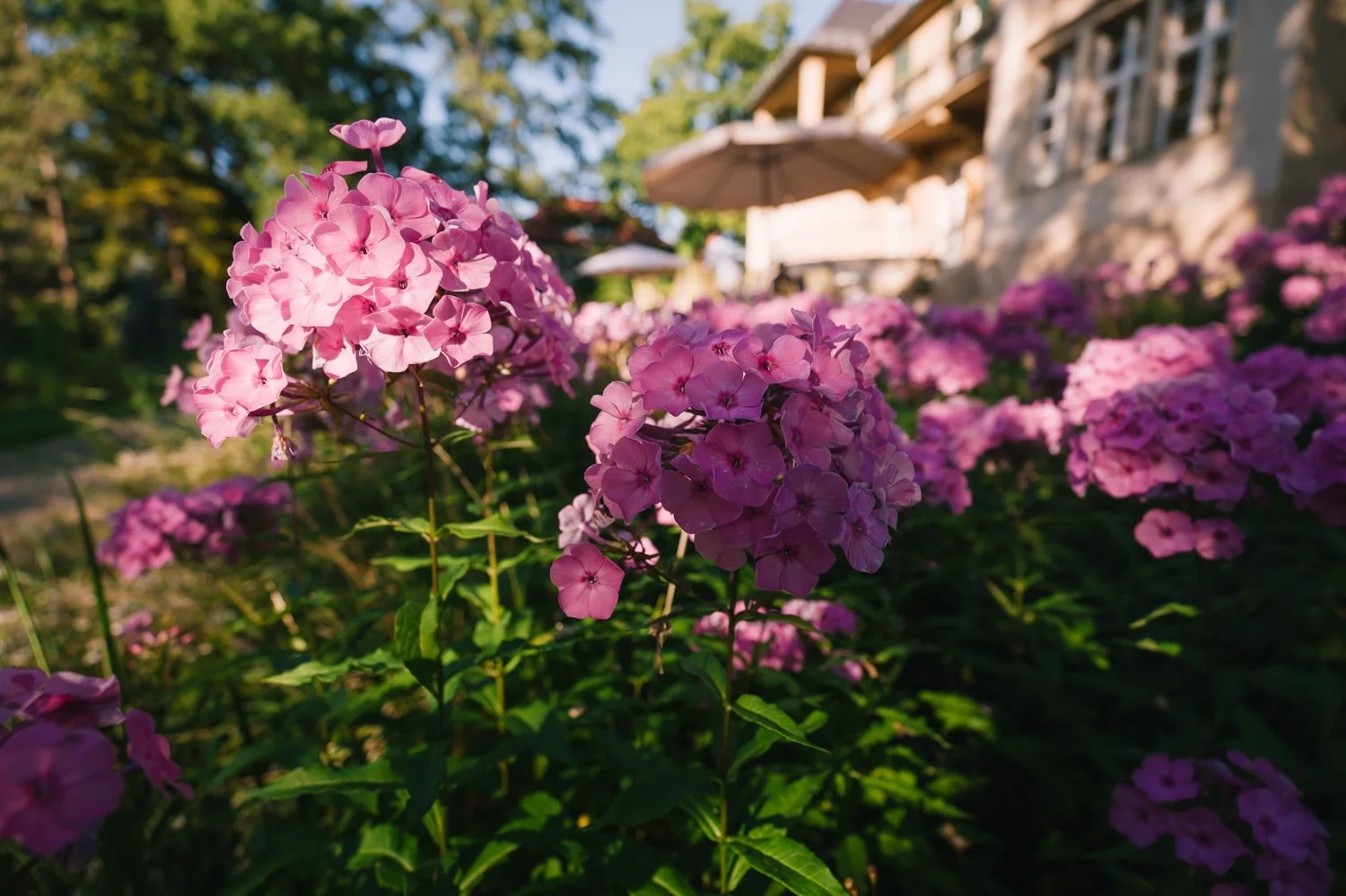
The separation between colours feels extremely precise. Green and orange don’t mix up (see the following example) , warm tones remain distinct, and neighbouring colours seem to stay exactly where they are supposed to be.
RAW files naturally give you extensive control if you want to push the photograph towards a more personal colour palette, but the JPEG files are already very convincing.
Automatic white balance was also remarkably reliable during my time with the camera. In many situations I found that there wasn't much I actually wanted to correct.
And this is important because sometimes the goal isn't to spend twenty minutes working on a photograph.
Sometimes the photograph needs to leave the camera now.

From Camera to Phone in Seconds
This might actually be one of my favourite things about the current generation of Leica cameras.
Through the Leica FOTOS app, I can connect my phone or tablet to the camera, wireless, browse the photographs, find the image I need and transfer it immediately.
In my own test, even transferring a full RAW file took only a few seconds, 2 or 3 to be precise.
For me, this is one of the most important things this generation of the Leica SL system brings to professional photography:
superb imagery, delivered in seconds.
Resolution and image quality are wonderful, but today the speed at which a photograph can move from the camera into the world is becoming part of the photographic workflow itself.
And the SL3 P feels built with that reality in mind.
Video
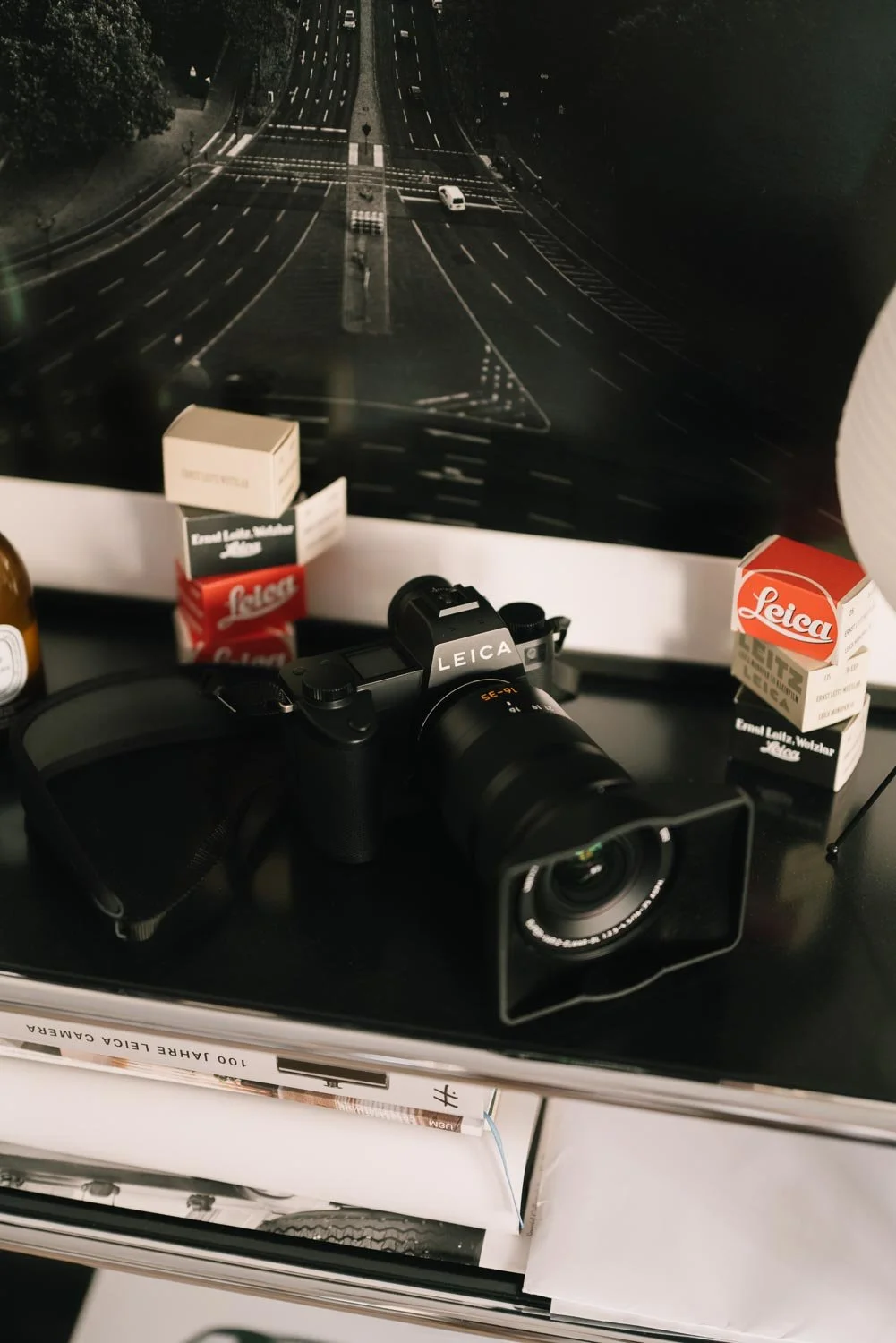
There is considerably more to say about the video side of the SL3 P than I could properly cover during this first experience with the camera.
On paper, the specifications are serious: recording up to 8K, Open Gate recording, 5.9K up to 60 fps, 4K up to 120 fps, ProRes support and HDMI RAW output.
Rather than pretending that specifications alone constitute a video review, I want to spend more time actually shooting with these modes.
I'll add some basic sample footage to my Instagram and YouTube channels during the week.
Storage and Workflow
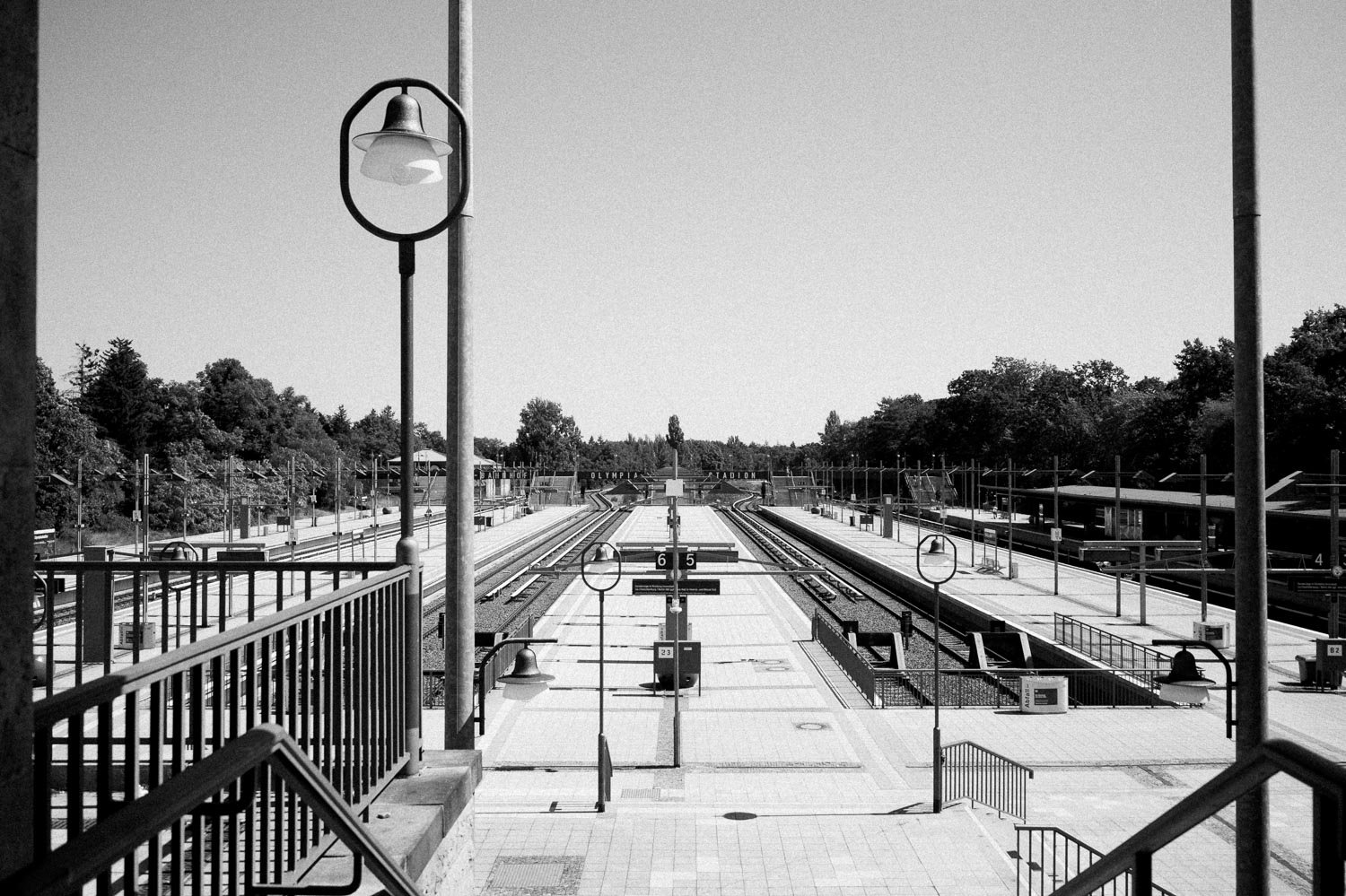
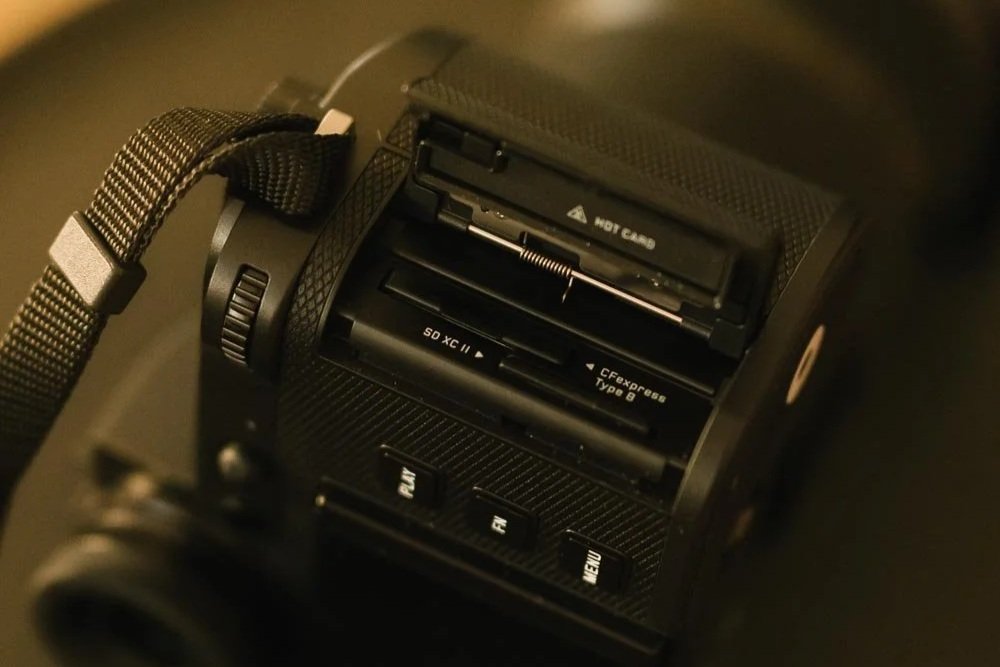
The camera uses two card slots: one CFexpress Type B and one SD UHS-II.
For photographers working professionally, having two recording media available is obviously important, whether they are used for backup or divided between different types of files.
CFexpress also gives the camera the bandwidth required for its highest speed shooting and more demanding video formats, while SD remains convenient for everyday photography.
It's another example of what I think the SL3 P is trying to be: not simply a high resolution camera or a fast camera, but a camera designed around a complete professional workflow.
A Camera for Going Out and Finding Stories
I always try to have more photographs than words, so I'll stop here.
After spending time with it, the Leica SL3 P feels like one of the most complete all round cameras I've used.
It has enough resolution to satisfy the part of me that loves the enormous files of the SL cameras, while bringing the speed, video capabilities and flexibility that made me appreciate the SL S line so much.
But perhaps what interests me most isn't any individual specification.
It's the combination.
A camera capable of producing a beautiful 44 megapixel photograph, shooting extremely quickly when necessary, recording serious video, and then putting that photograph onto my phone within seconds.
When you go out looking for a story, you don't always know what that story will ask from you.
With the SL3 P in the bag, I get the feeling that the answer, most of the time, will simply be:
I can do that.
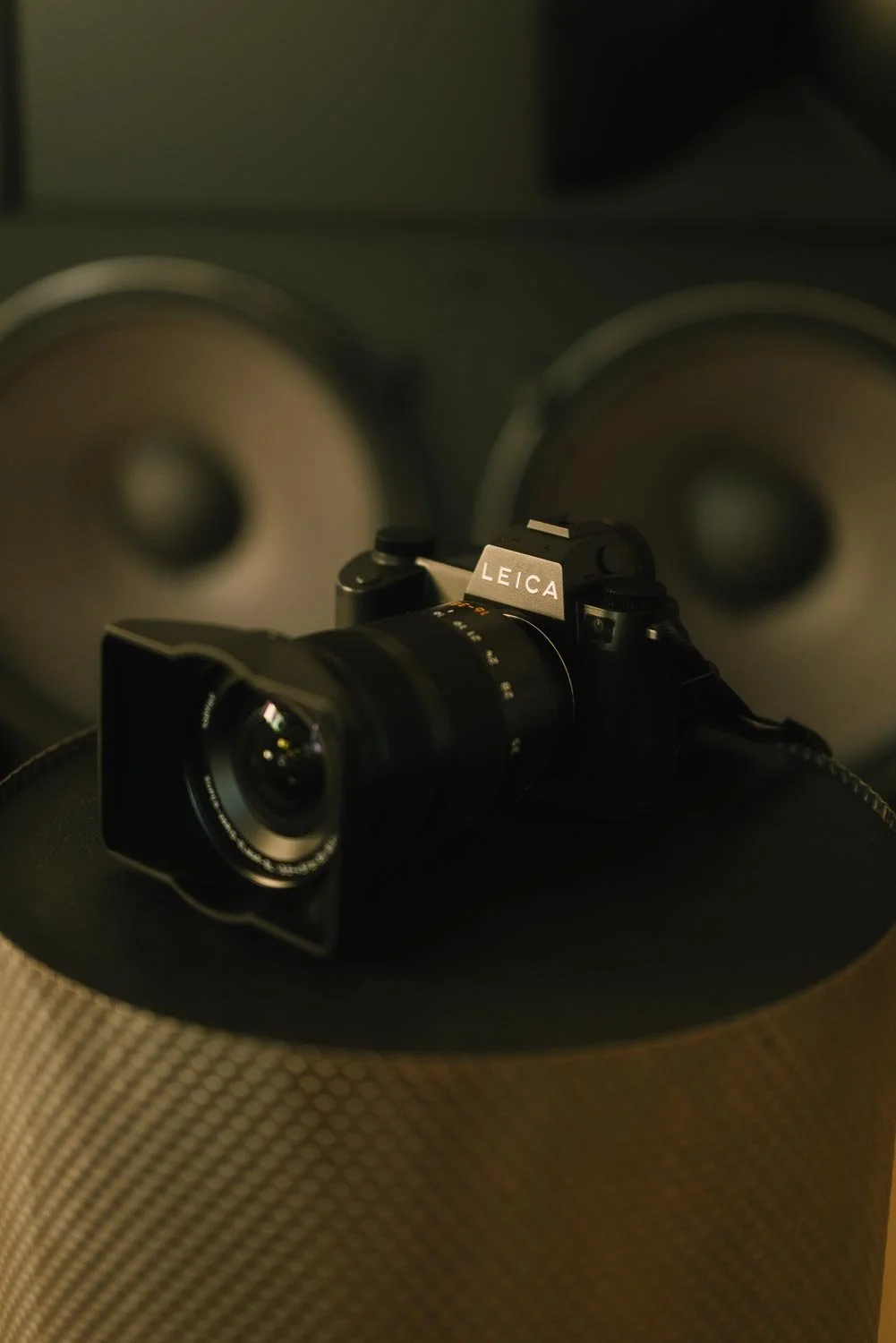
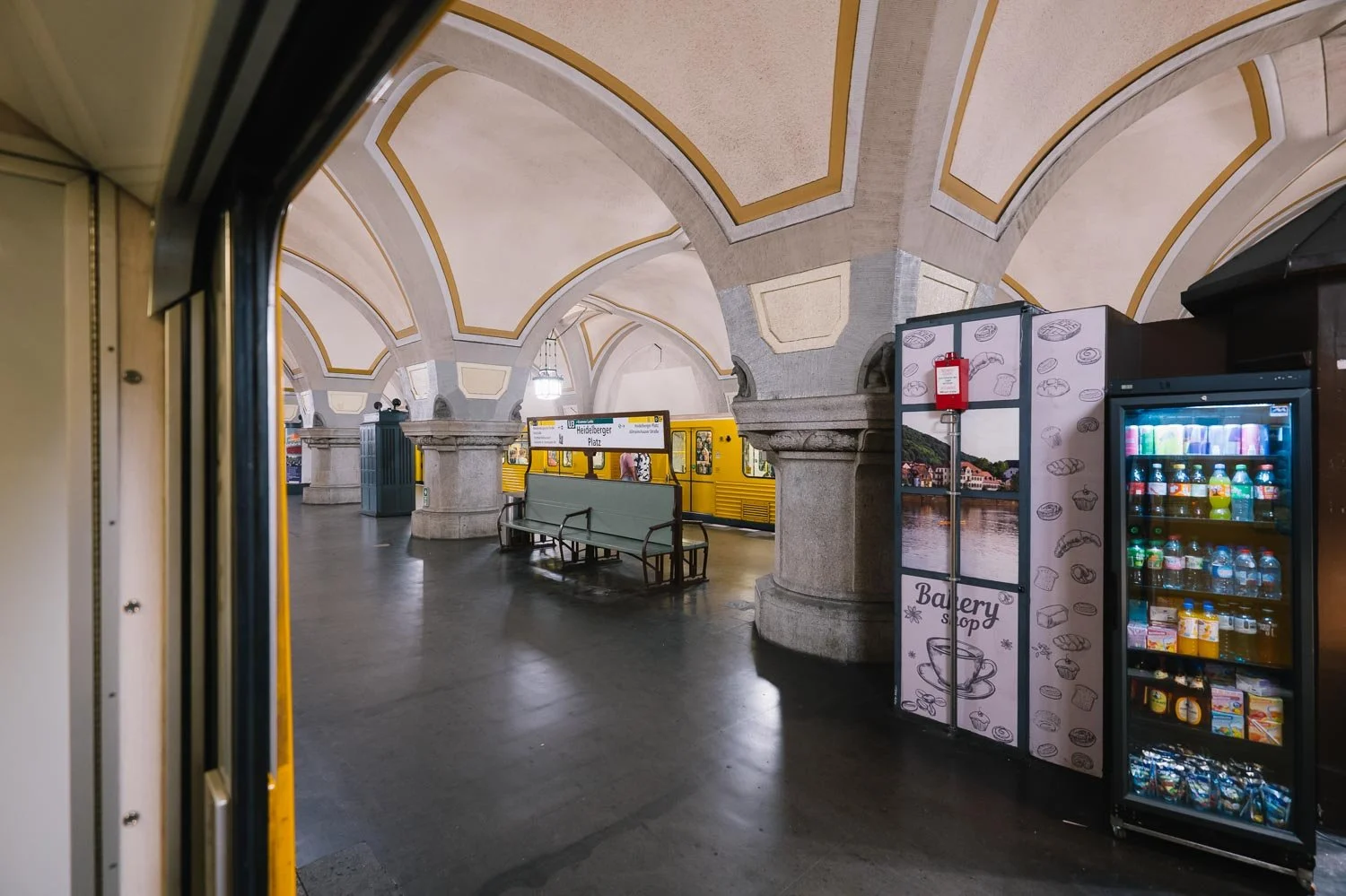
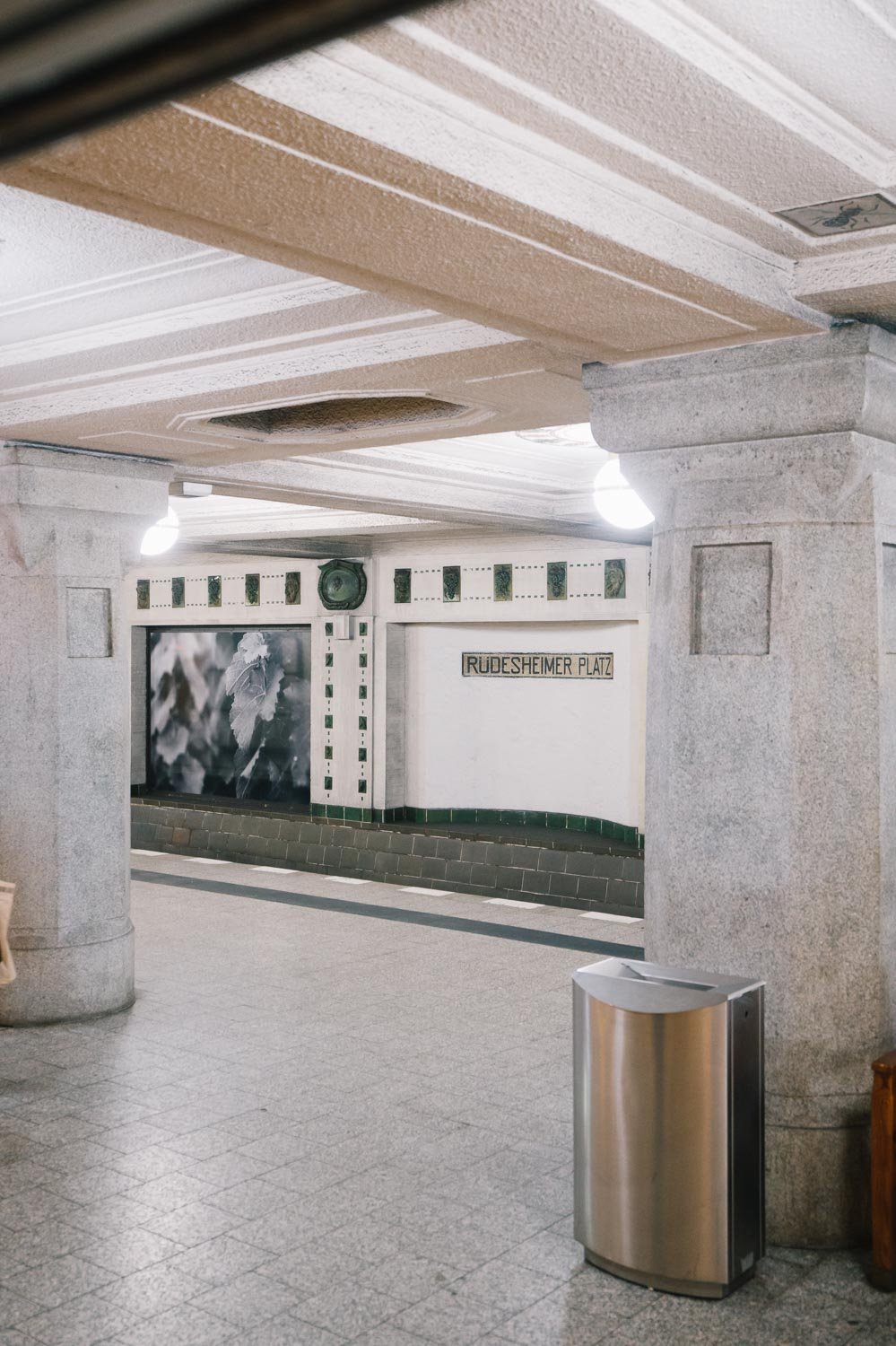
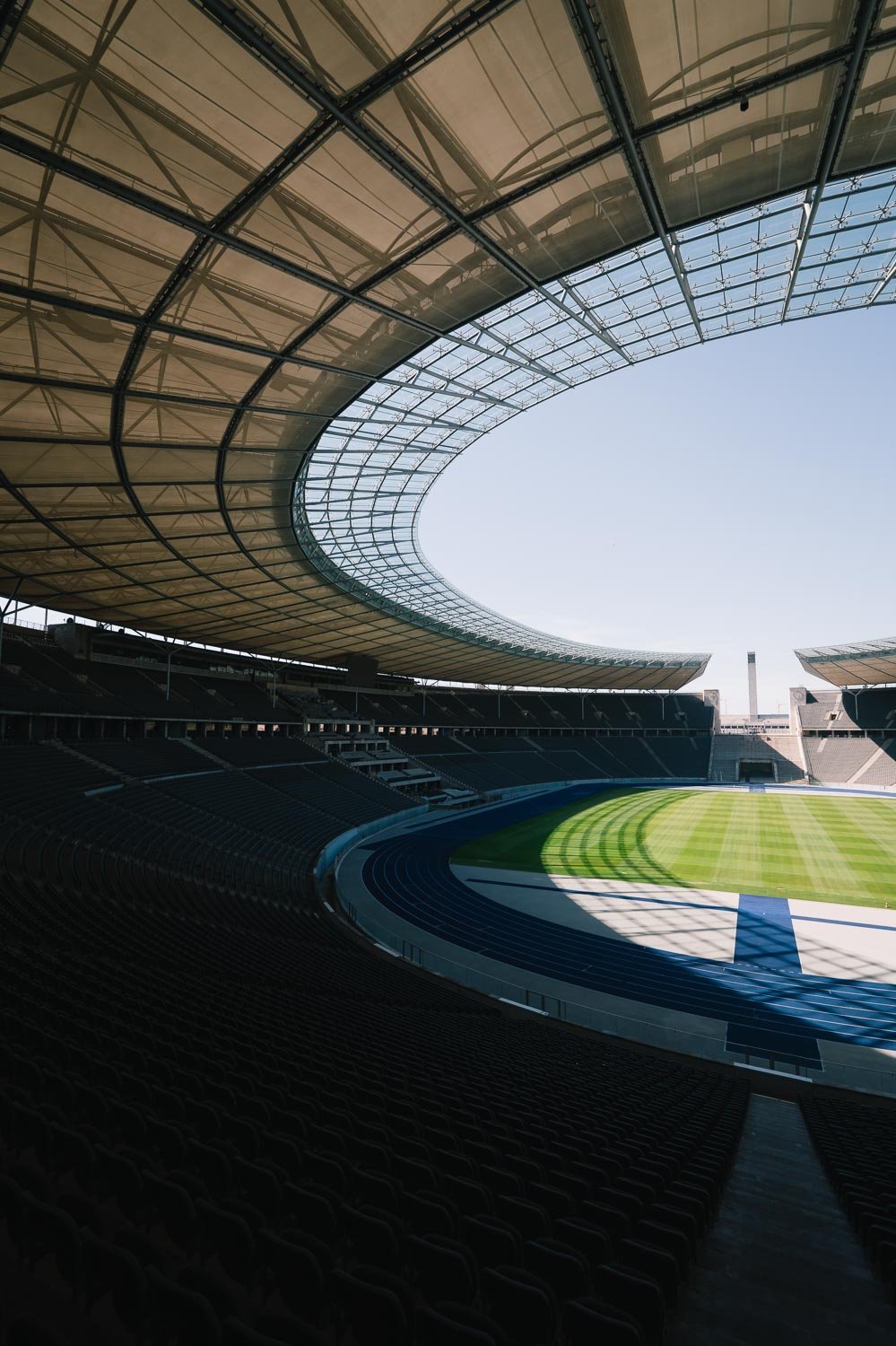
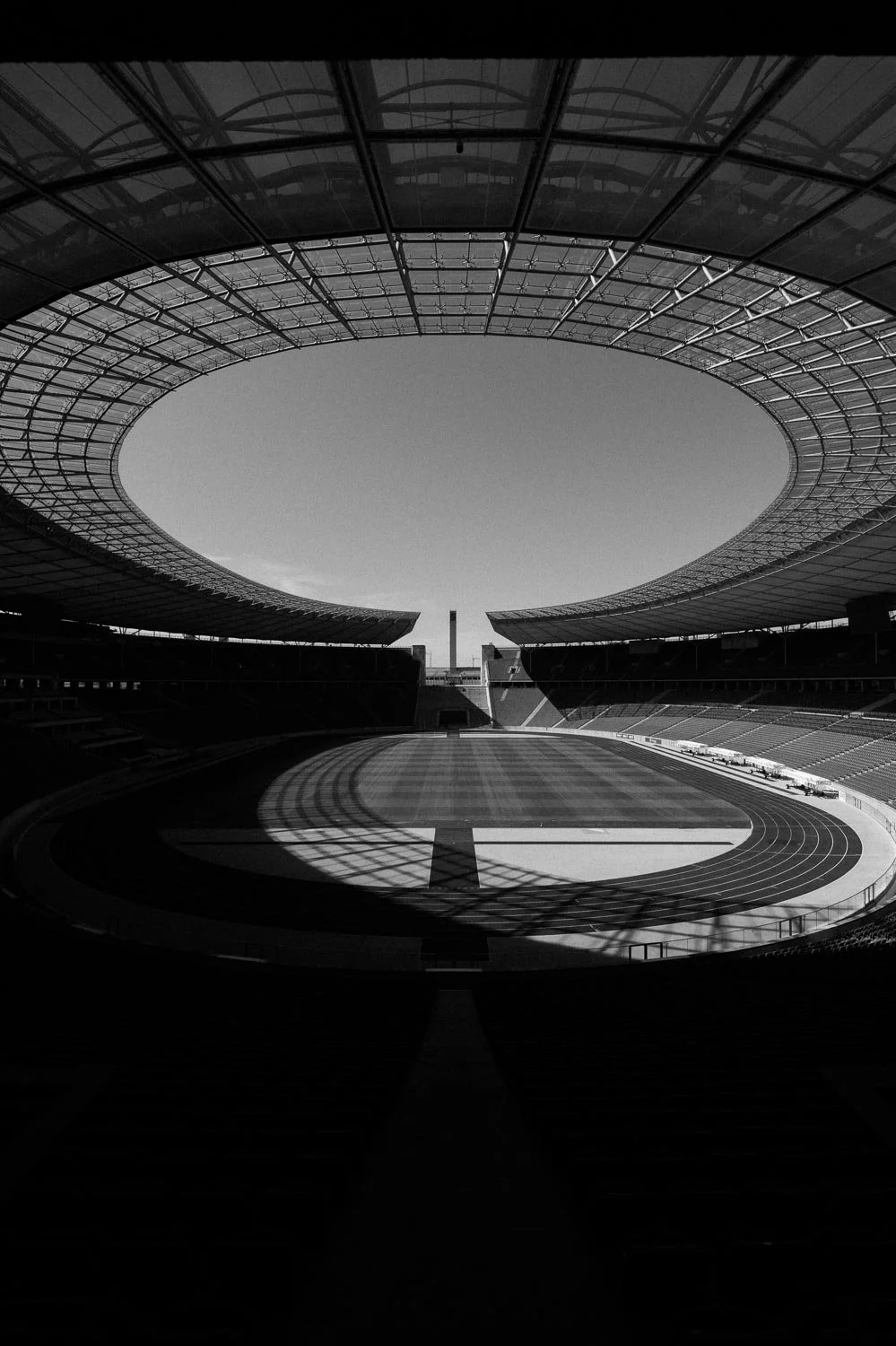
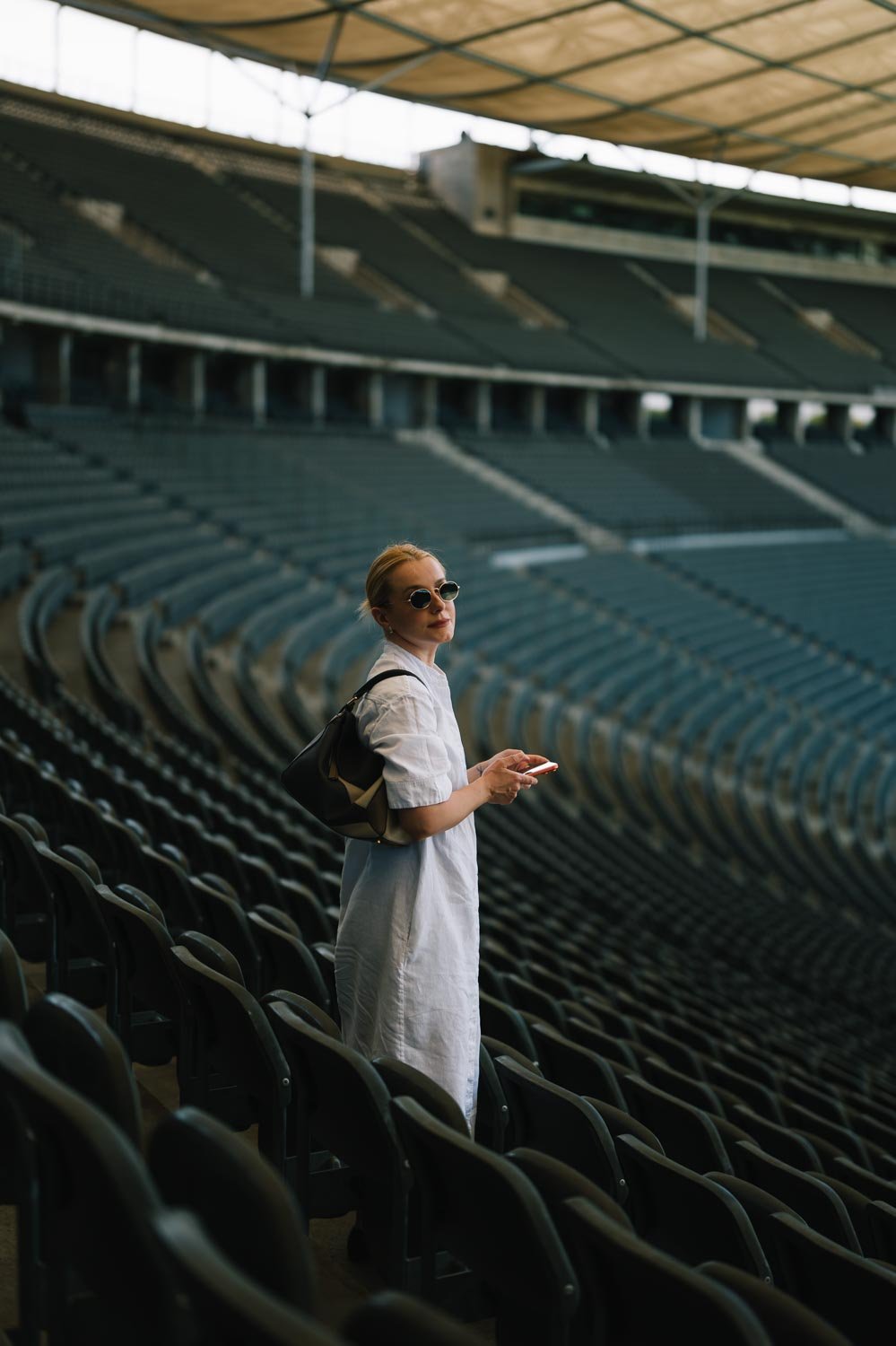
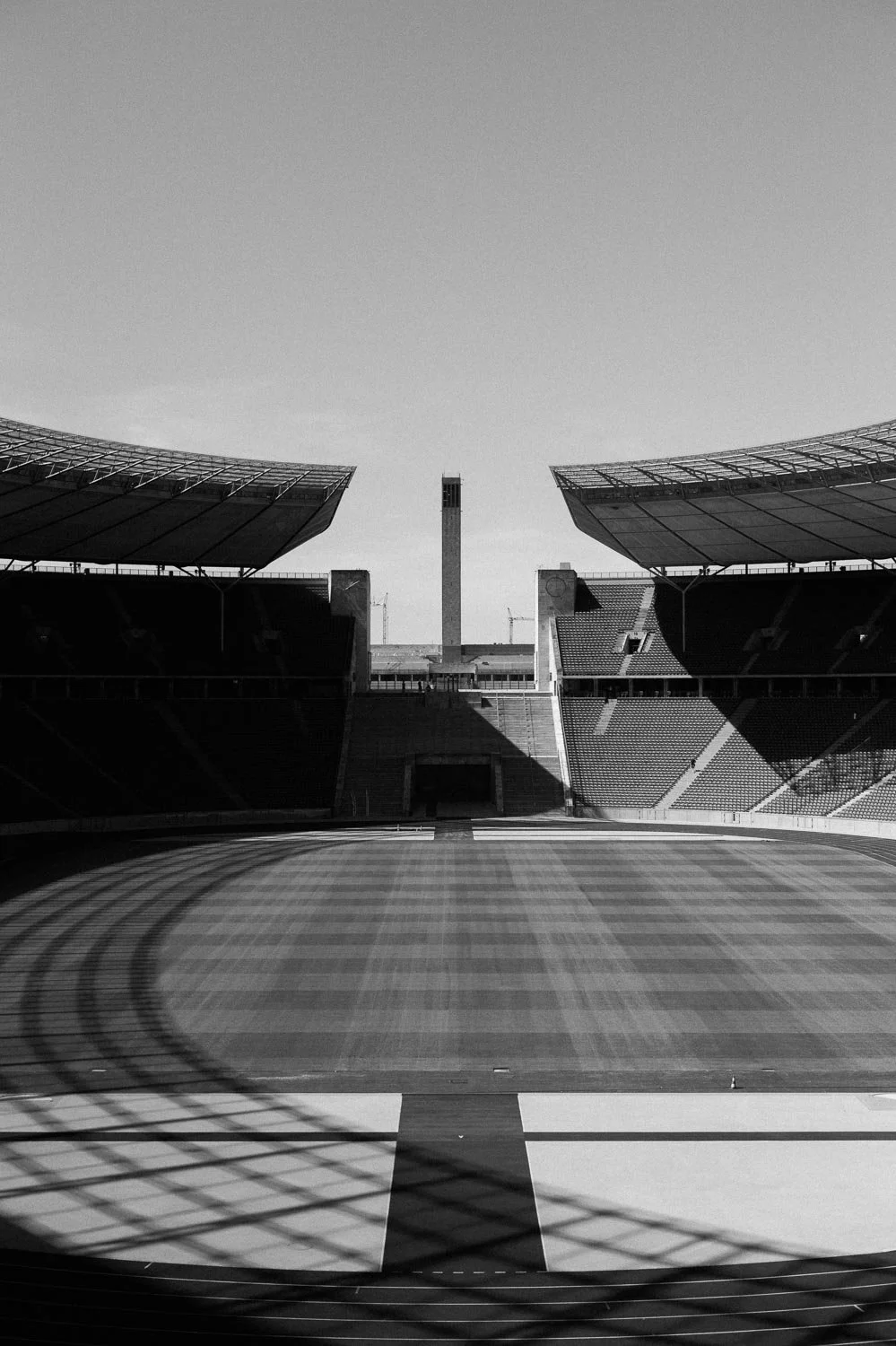
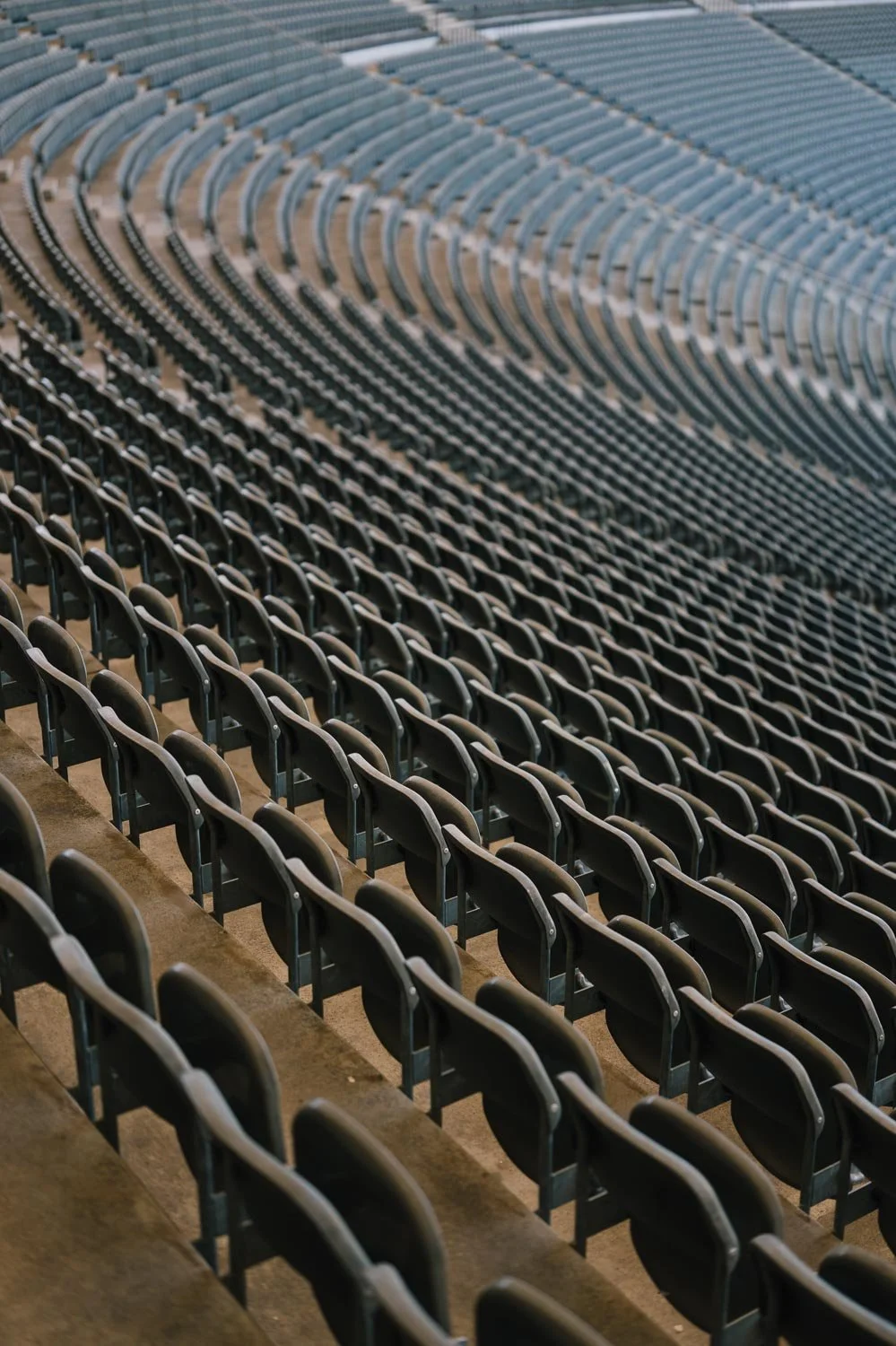
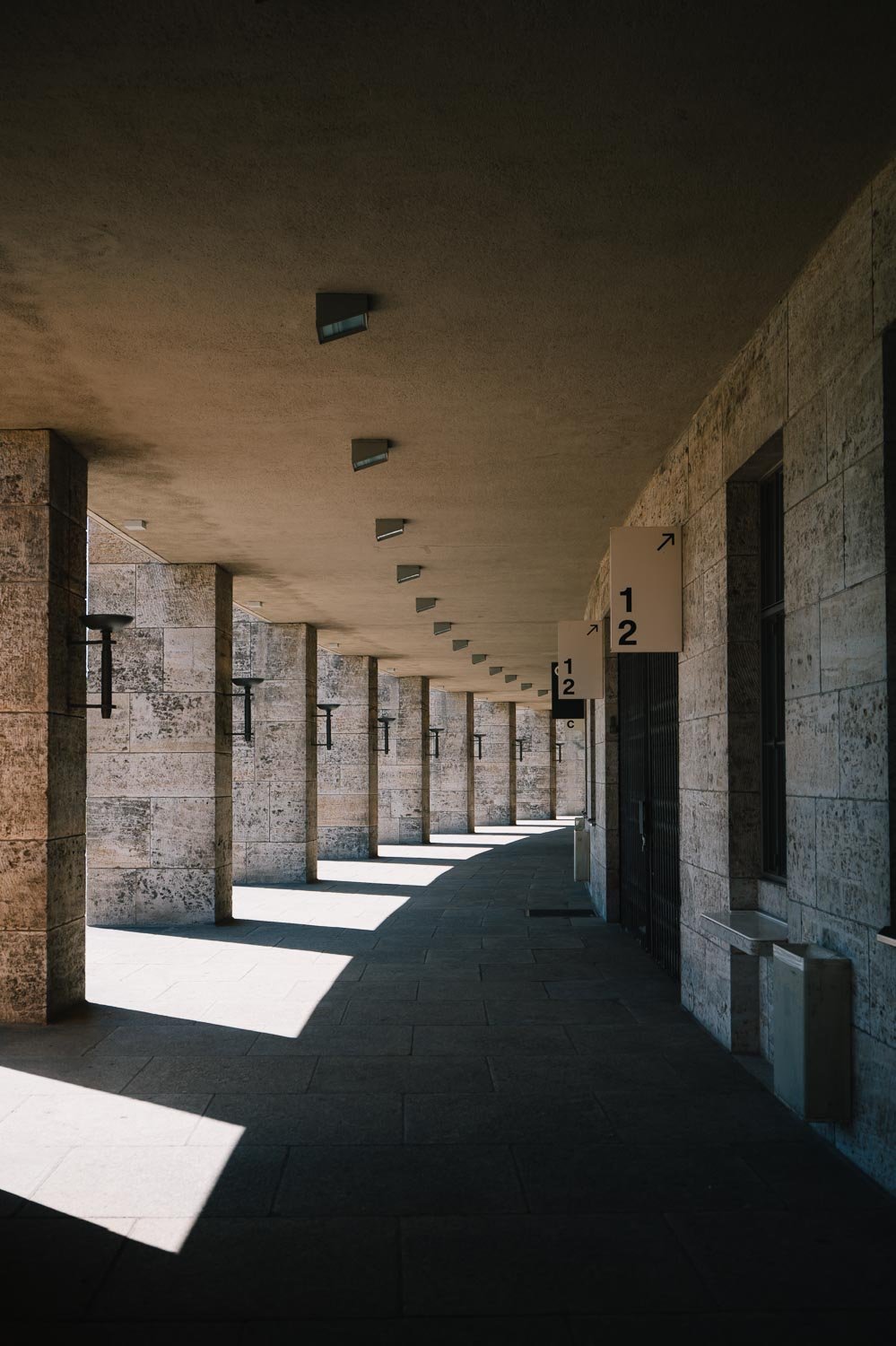
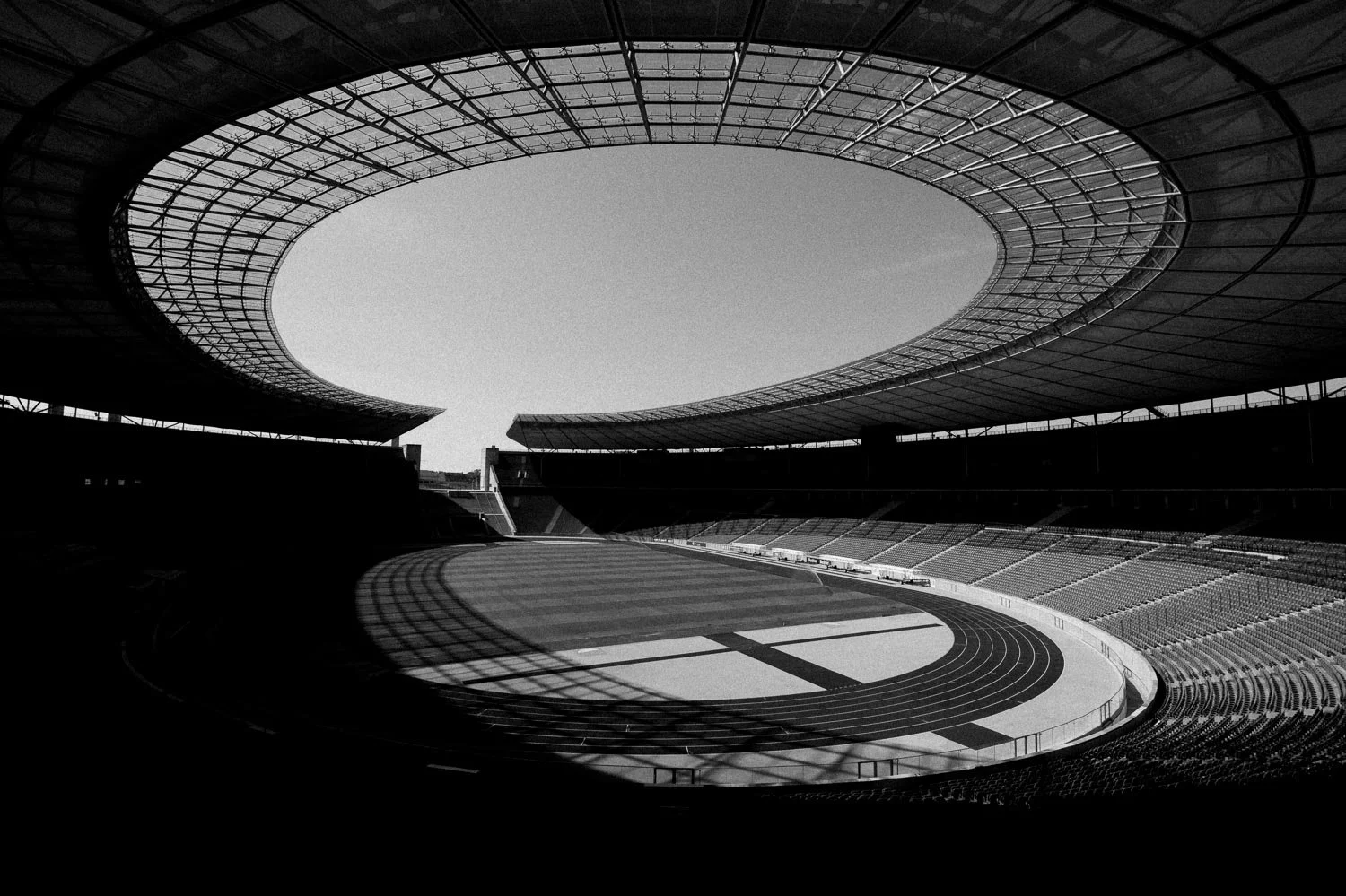
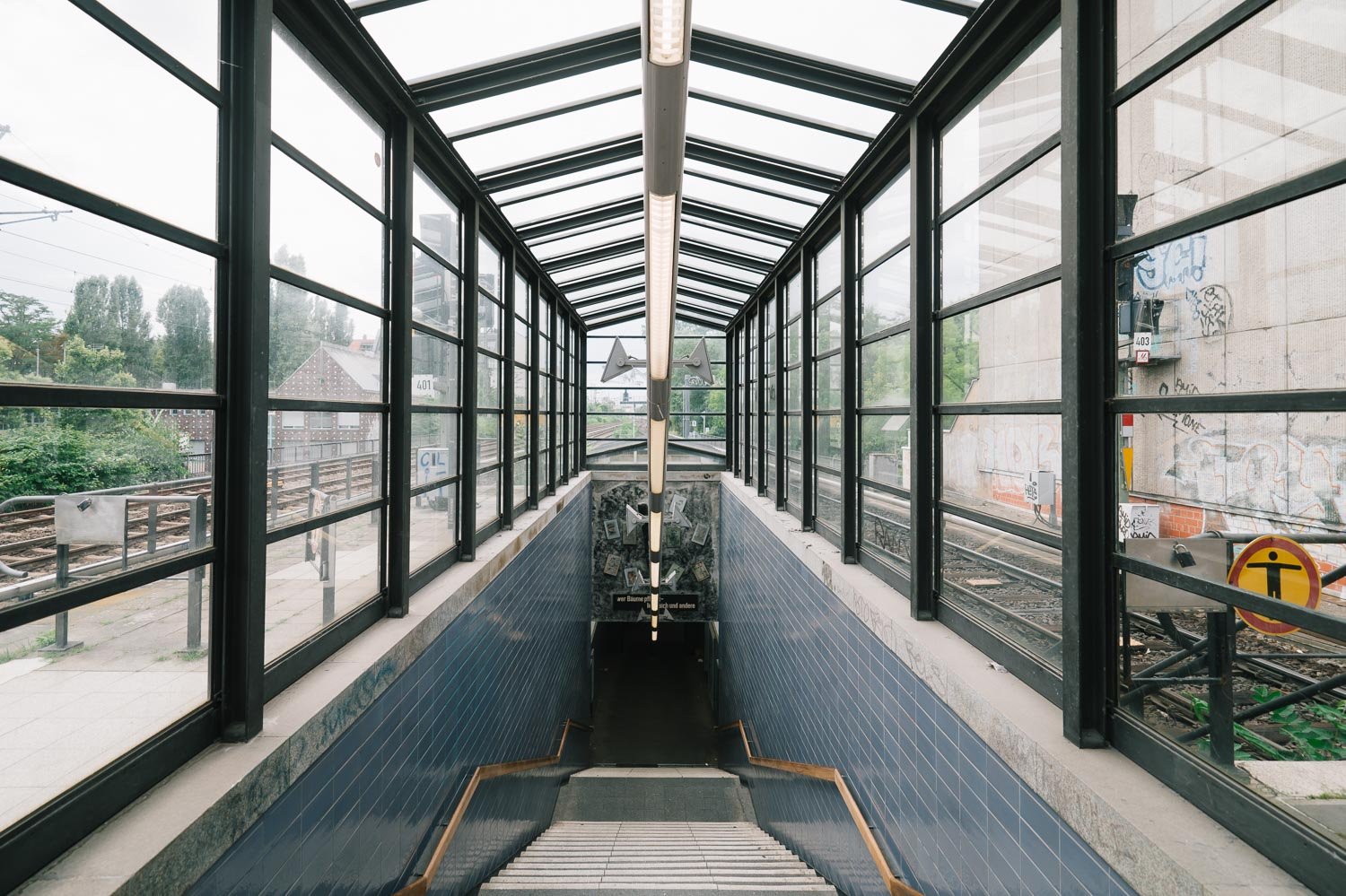
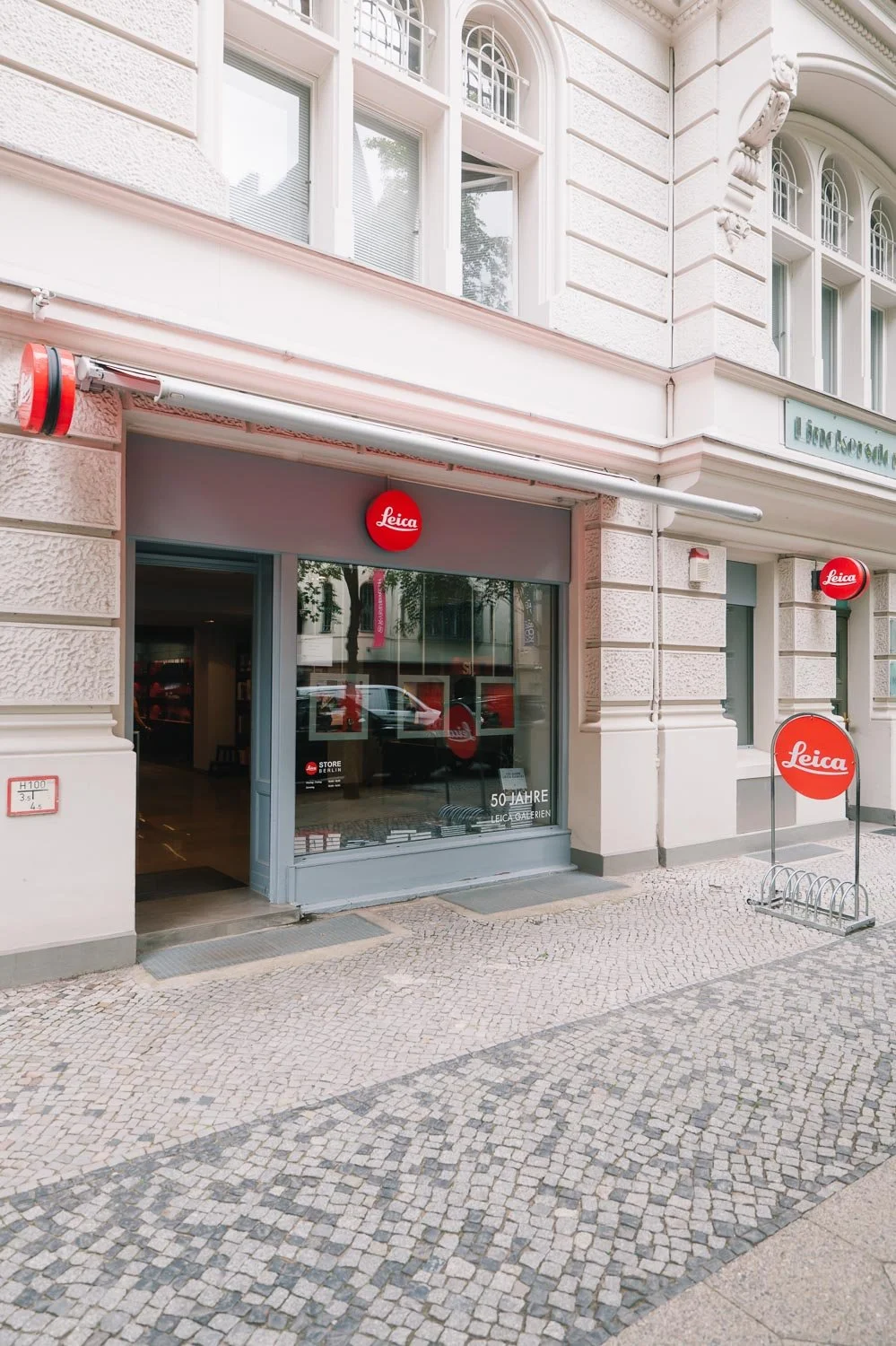
As always, a big shoutout to my favourite Leica Store - Leica Store Berlin. A big thank you to Nico and the team for always being there with a solution for whatever photographic situation I find myself in. If you’re looking for your next camera, or simply need some good advice, you’ll find people there who are always ready to help.
Good to know:
all the files here were resized significantly - imagine a jpg being reduced from 20-40mb to approximately 100-400 kb
All images were shot in RAW and edited in Adobe Lightroom.
I can provide most of the sample files through a WeTransfer link so you can check them out in full size. Just send me a DM on Instagram - link at the bottom of this page
if you have any questions, let’s have a chat